YouTube
 TikTok
 Reddit
 Instagram
 Twitter
 Facebook
Tools
Video Translator
AI Video Translator - Translate Video Subtitles
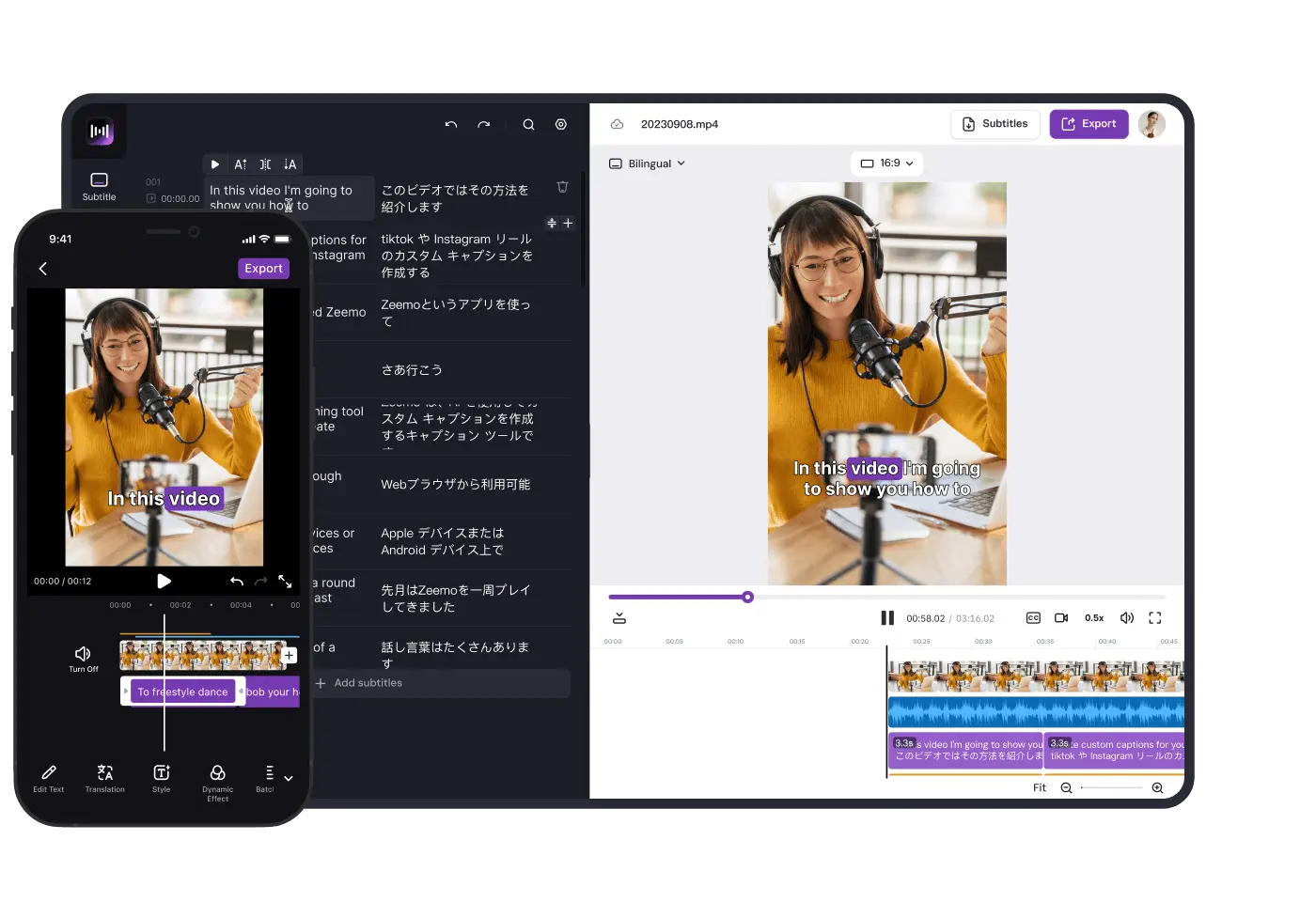
Leverage Zeemo's video translator to create bilingual subtitles, engage with diverse audiences.
How to Translate Videos?
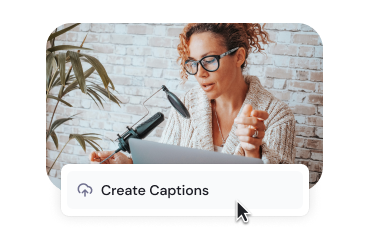
Upload Video
To translate your video using Zeemo, start by selecting the video file you want to work with. You can upload videos from your computer or phone to get subtitled and translated.
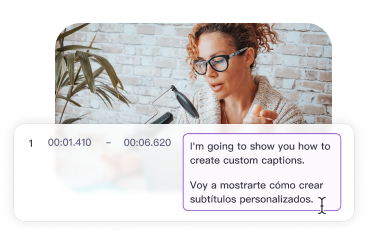
Translate Video
Add subtitles, and then choose to translate to get bilingual subtitles. You can also edit, customize, and apply styles for impressive video. Add, edit & translate video subtitles with ease!
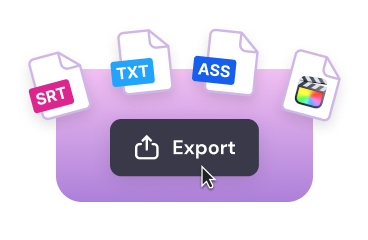
Export Video
Once you have completed the process of adding subtitles and translating video, you can easily export your video file with fully embedded bilingual captions or download the SRT caption file for further use.
Explore All the Intuitive Subtitle Editing Features
Engage with Subtitles, 500+ Templates
Customize the appearance, font, size, color, and positioning of your subtitles

Templates
Pre-made subtitle styles

Dynamic Effects
Let your captions dance

Fonts
Vast fonts choices

Colors
Customize text colors














Features
Video Translator for Bilingual Subtitles
Translate your video's captions or subtitles into multiple languages, opening up new possibilities for reaching a global audience.
Generate Automatic Captions
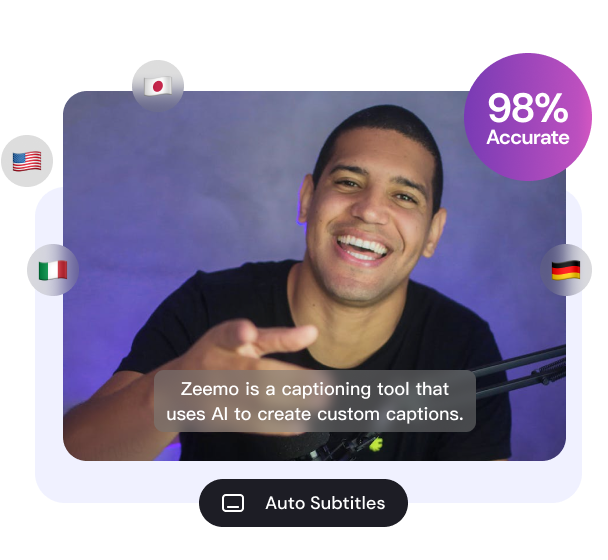
Zeemo's automatic speech recognition technology analyzes the audio in your video and generates captions in the original language. These captions serve as the foundation for the translation process. Select the target languages in which you want to translate the captions. Zeemo supports a wide range of languages, allowing you to cater to diverse audiences worldwide.
95 languages supported
Add subtitles in seconds
98% accuracy
Translate and Customize
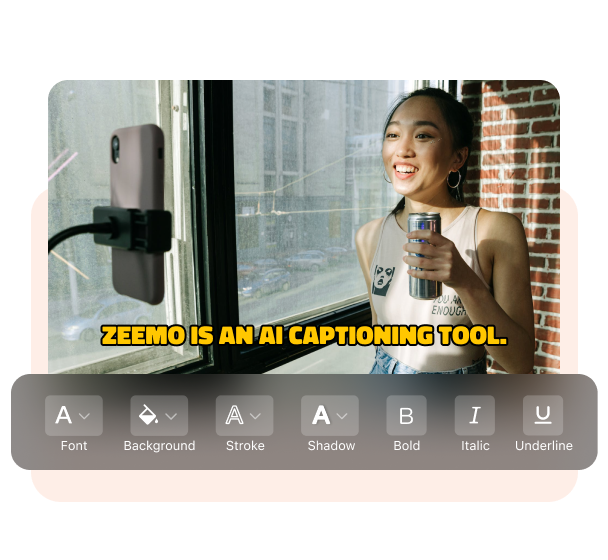
Zeemo uses powerful translation algorithms to automatically translate the captions into the selected languages. However, you also have the option to review and make any necessary adjustments to ensure accuracy and clarity in the translated subtitles. Besides, Zeemo provides tools to customize the appearance of the subtitles. You can adjust font styles, sizes, colors, and positioning to ensure the bilingual subtitles are visually appealing and aligned with your video's aesthetic.
500+ Pre-made templates
Dynamic video caption styles
Customize subtitle text, position, and appearance
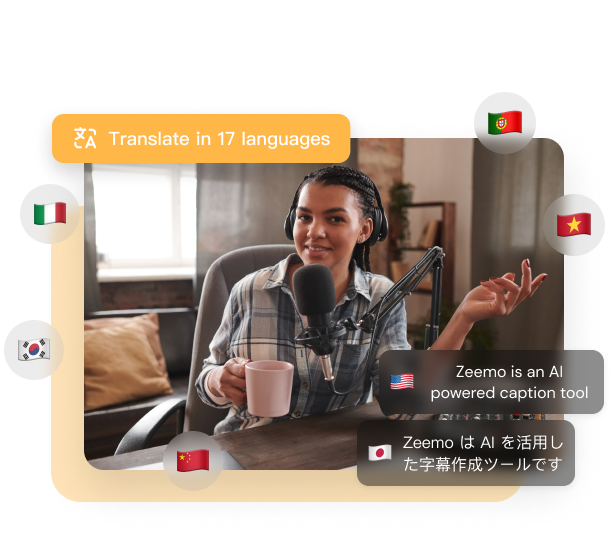
Translate Videos into 95 Languages
Zeemo supports recognising 95 different languages and can translate your video into 113 languages, so that the message of your video can be communicated to a large part of the global audience, which can greatly expand the reach and revenue of your video.
Translate video subtitles in seconds
Make your video more accessible
95 Target languages supported
Support
FAQs
Need something cleared up? Here are our most frequently asked questions.
How can I translate a video to English?
1. Upload your video and select the video source language in Zeemo APP or on Zeemo’s website.
2. Select the bilingual subtitle function and the target language you want to translate into.
3. After a short wait, you will get a video with bilingual subtitles. You can also choose to edit and optimize your subtitles, adjust the subtitle position and font size, and choose a subtitle style and template.
4. Export the captioned video in seconds. You can also export subtitle files for other uses.
How can I translate a video to English online for free?
Zeemo offers a free trial so you can experience translating videos to generate bilingual subtitles. You can log in to zeemo.ai to enter our workspace and start your free trial.
Is there an app that can translate a video?
With Zeemo APP you can translate your videos automatically to 113 languages. Just select the language you need and enjoy having your video translated automatically for you within seconds.
How do I automatically translate a video online?
If you choose to translate videos manually, you will need professional video editing skills and a lot of time and effort to edit your subtitles. Zeemo provides online video translation service, allowing you to automatically add bilingual subtitles to videos through AI, which will save you a lot of time and effort.
Tool List
The Ultimate Video Subtitle Translator
Streamline the process of translating subtitles for videos
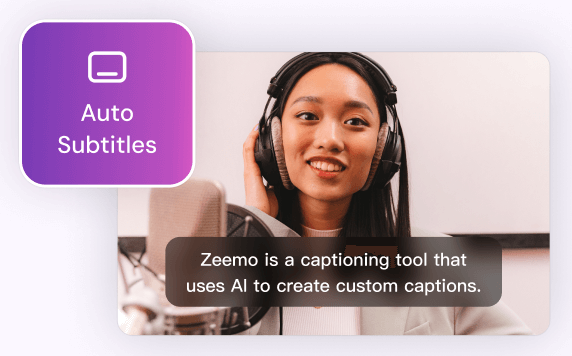
Add Subtitles to Video
Zeemo provides a user-friendly platform to add subtitles to your videos with ease. You can make your content more inclusive, accessible, and appealing to a broader audience.
Try Now
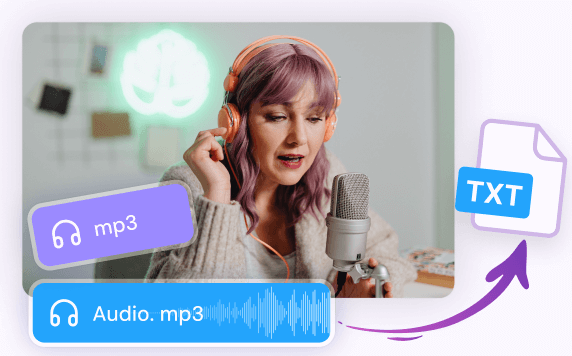
Transcribe Audio to Text
Whether you have recorded interviews, meetings, lectures, podcasts, or any other audio content, Zeemo's advanced technology empowers you to effortlessly transcribe audio to text.
Try Now
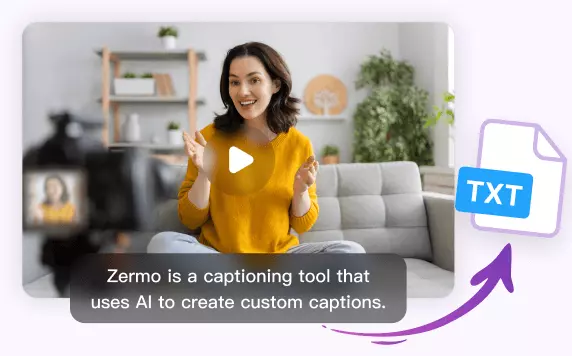
Transcribe Video to Text
Whether you have recorded interviews, webinars, vlogs, or any other video content, Zeemo simplifies the process to transcribe video to text with remarkable accuracy. Upload your videos and try!
Try Now
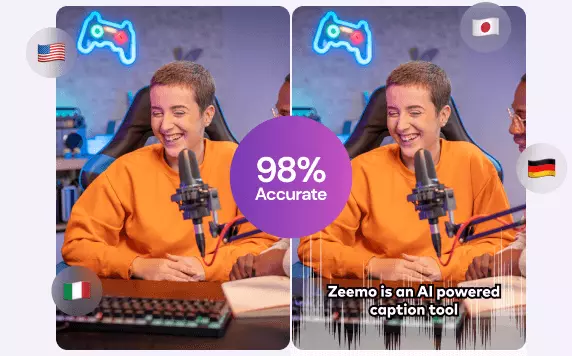
AI Caption Generator
Editing video captions with Zeemo's AI caption generator is a breeze. Refine your captions and make your video content shine.
Try Now
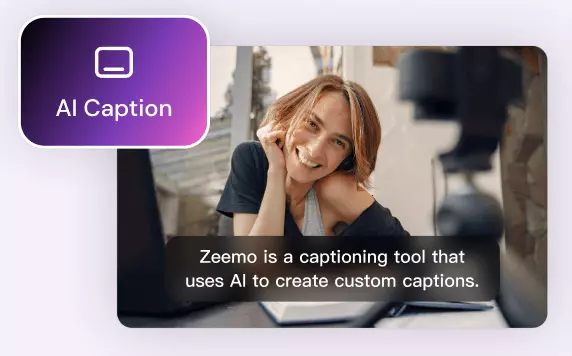
AI Caption Extractor
Using Zeemo's AI caption extractor to extract subtitles and captions, saving significant time and effort. Try free now! Say goodbye to manual transcription!
Try now
YouTube Video Downloader
Zeemo provides a user-friendly platform that makes it easy for you to download YouTube videos online. It helps you to watch YouTube videos even when you are offline.
Try now
TikTok Video Downloader
Zeemo offers a convenient and easy-to-use online platform for downloading TikTok videos, enabling you to enjoy TikTok content even when you're offline.
Try now
X Video Downloader
Zeemo provides a free, user-friendly online platform for downloading X videos, facilitating better secondary creation and distribution of your favourite X videos.
Try now
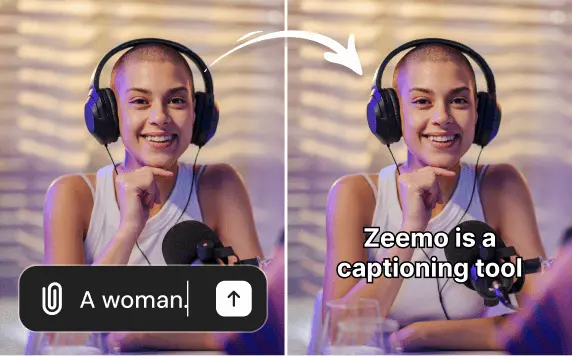
Add caption to Sora video
Use Zeemo's to add captions to Sora-generated videos, translating the captions into other languages to make the video more complete and more conducive to spreading it across social media.
Try now
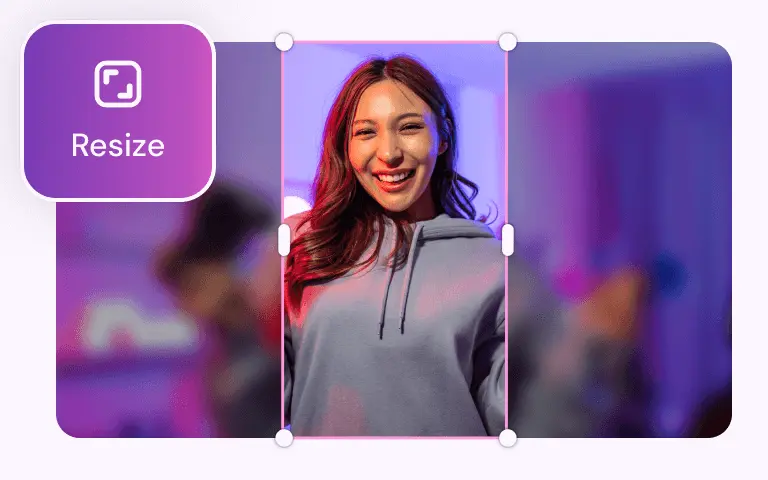
Video Resizer
With Zeemo you can resize the video size with one click, and you can resize any size video to be suitable for posting on social media.
Try now
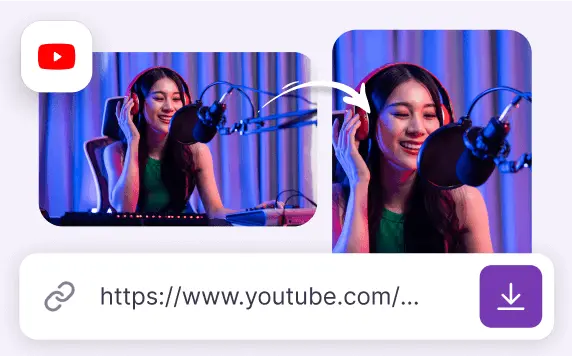
Youtube Converter
YouTube Converter can download a YouTube video or convert it into a video suitable for posting on social media like TikTok, Twitter, and more.
Try now
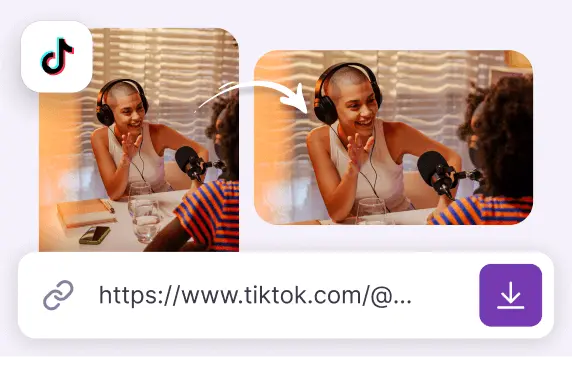
TikTok Converter
TikTok Converter adjusts TikTok videos for optimal sharing on YouTube, Twitter, Instagram and more. It also helps in downloading these videos.
Try now
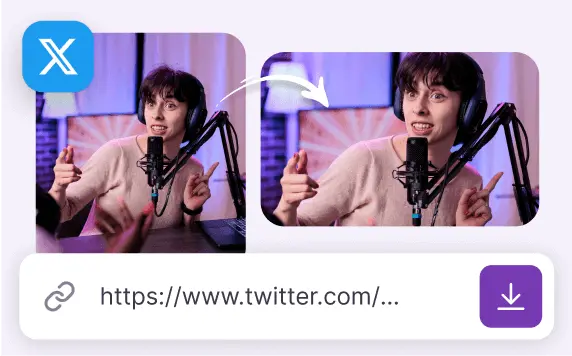
Twitter Converter
Twitter Converter downloads Twitter videos or converts them into videos suitable for posting on YouTube, Instagram and other social media.
Try now
Find More:
- Translate Video to English
- Translate Video to Spanish
- Translate Video to Japanese
- Translate Video to Korean
- Translate Video to Portuguese
- Translate Video to German
- Translate Video to Simplified Chinese
- Translate Video to Traditional Chinese
- Translate English Video to Spanish
- Translate English Audio to Spanish
- Translate English Video to Japanese
- Translate English Audio to Japanese
- Translate English Video to Korean
- Translate English Audio to Korean
- Translate English Video to Portuguese
- Translate English Audio to Portuguese
- Translate English Video to German
- Translate English Audio to German
- Translate English Video to Simplified Chinese
- Translate English Audio to Simplified Chinese
- Translate English Video to Traditional Chinese
- Translate English Audio to Traditional Chinese
Benefits of adding bilingual subtitles with video translator
Unlock Multilingual Potential by Adding Bilingual Subtitles with Zeemo’s Video Translator
In today's globalized world, the demand for bilingual subtitles in videos has significantly increased. To meet this demand effectively and efficiently, utilizing a video translator tool is essential.
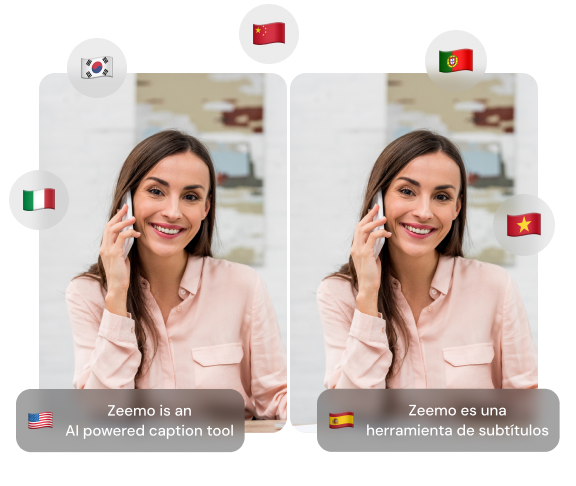
If you are in search of a reliable and efficient solution for adding bilingual subtitles to your videos, look no further than Zeemo, the ultimate video translator tool. Zeemo combines advanced technology, user-friendly features, and ultra performance to meet all your bilingual subtitle needs.
Here's why Zeemo stands out in video translators:
·
Accuracy and Quality: Zeemo utilizes state-of-the-art translation algorithms to deliver accurate and high-quality subtitles. Say goodbye to manual transcription & translations or unreliable tools. Zeemo ensures that your subtitles maintain the original content's integrity while conveying the intended message with precision.
·
Seamless Workflow: Zeemo streamlines the entire subtitle translation process, saving you valuable time and effort. With its intuitive interface and user-friendly controls, you can effortlessly import your videos, translate subtitles, and export your video with bilingual subtitles. Zeemo's efficient workflow enables you to focus on creating captivating content without any hassle.
·
Multilingual Capabilities: Zeemo supports a wide range of languages, enabling you to create bilingual subtitles in various language pairs. Whether you need subtitles translated from English to Spanish, French to Mandarin, or any other combination, Zeemo has got you covered. Expand your audience reach and engage viewers worldwide with professional and accurate bilingual subtitles.
·
Customization Options: Zeemo offers extensive customization features, allowing you to tailor your subtitles to match your video's style and aesthetics. Adjust font styles, sizes, colors, and positioning to create visually appealing and seamlessly integrated subtitles that enhance the overall viewer experience.
Sign up for Free Trial
Subtitling made easy.