YouTube
 TikTok
 Reddit
 Instagram
 Twitter
 Facebook
Tools
TikTok Video Downloader
TikTok Video Downloader
Download any public video from TikTok, transcribe it to text, extract or add subtitles!
How to Download TikTok Video?
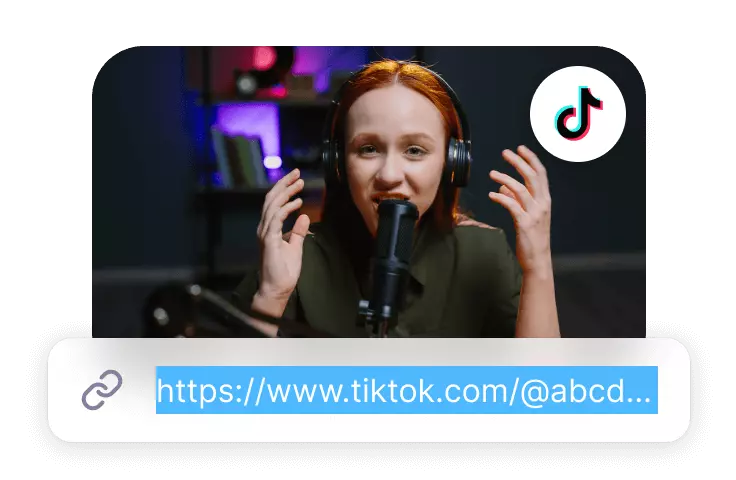
Paste the TikTok video URL
Click on the Usage Guidelines and after reading it in full, if you agree with and will abide by the contents of the Guidelines, paste the TikTok video URL in the field provided.
Download Video
Click on the "Download" button to jump to the download page, select the clarity you need, click on the download.
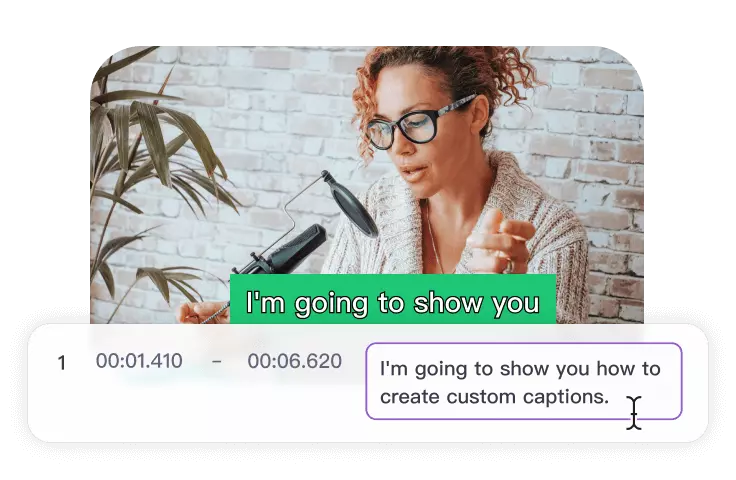
Add Subtitles
Click on the Add Captions button to seamlessly add captions to the video.
Features
Powerful TikTok Video Downloader
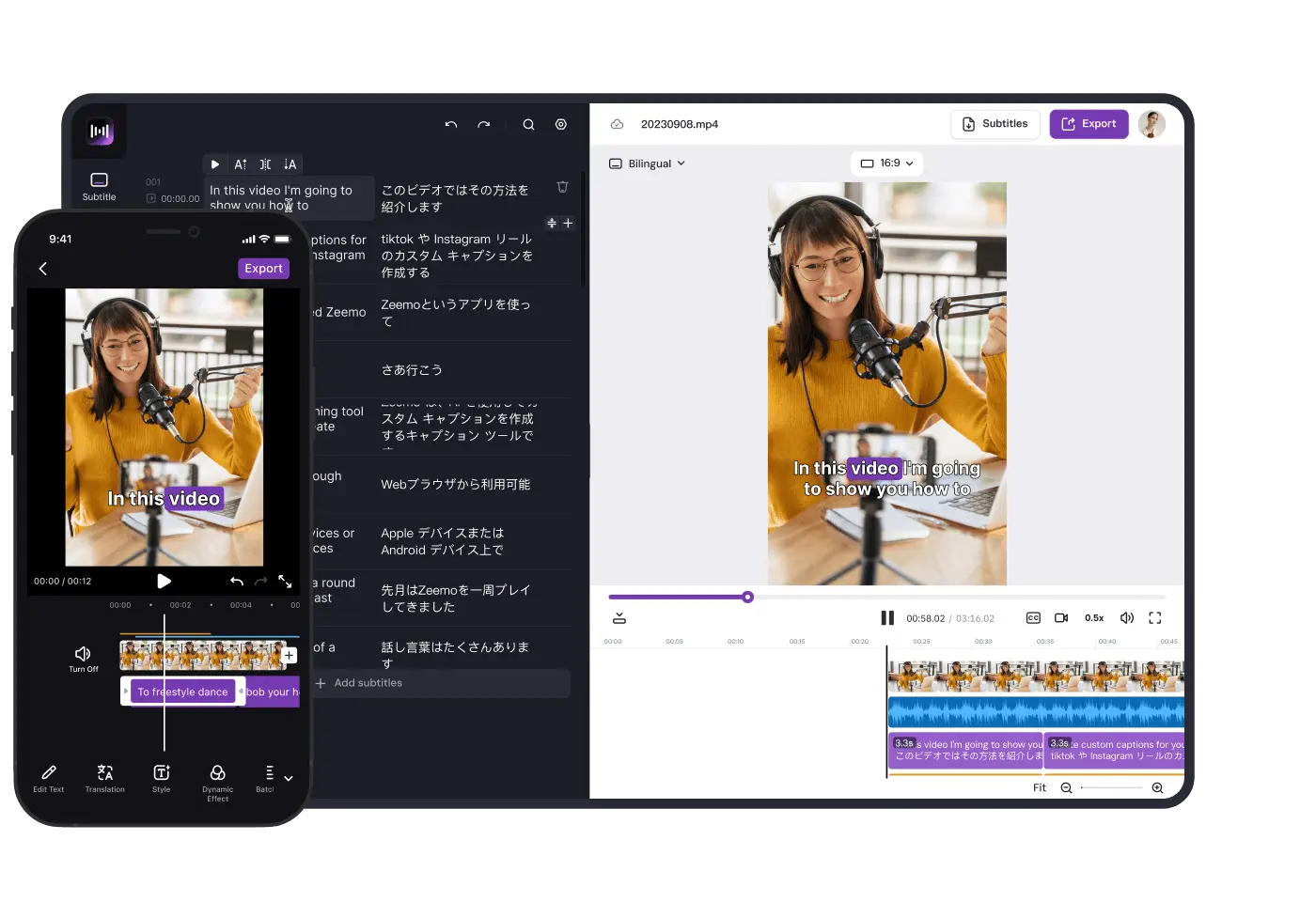
Easily download TikTok videos, and you can also edit videos and subtitles on Zeemo’s workspace directly.
Free Download
Zeemo's TikTok video downloader provides functionalities that allow users to download TikTok videos, offering the convenience of offline viewing. This feature grants users the flexibility to watch their favorite content without the need for an internet connection.
Download video for free
Simple process
Fast downloading
Automatic Caption Generation
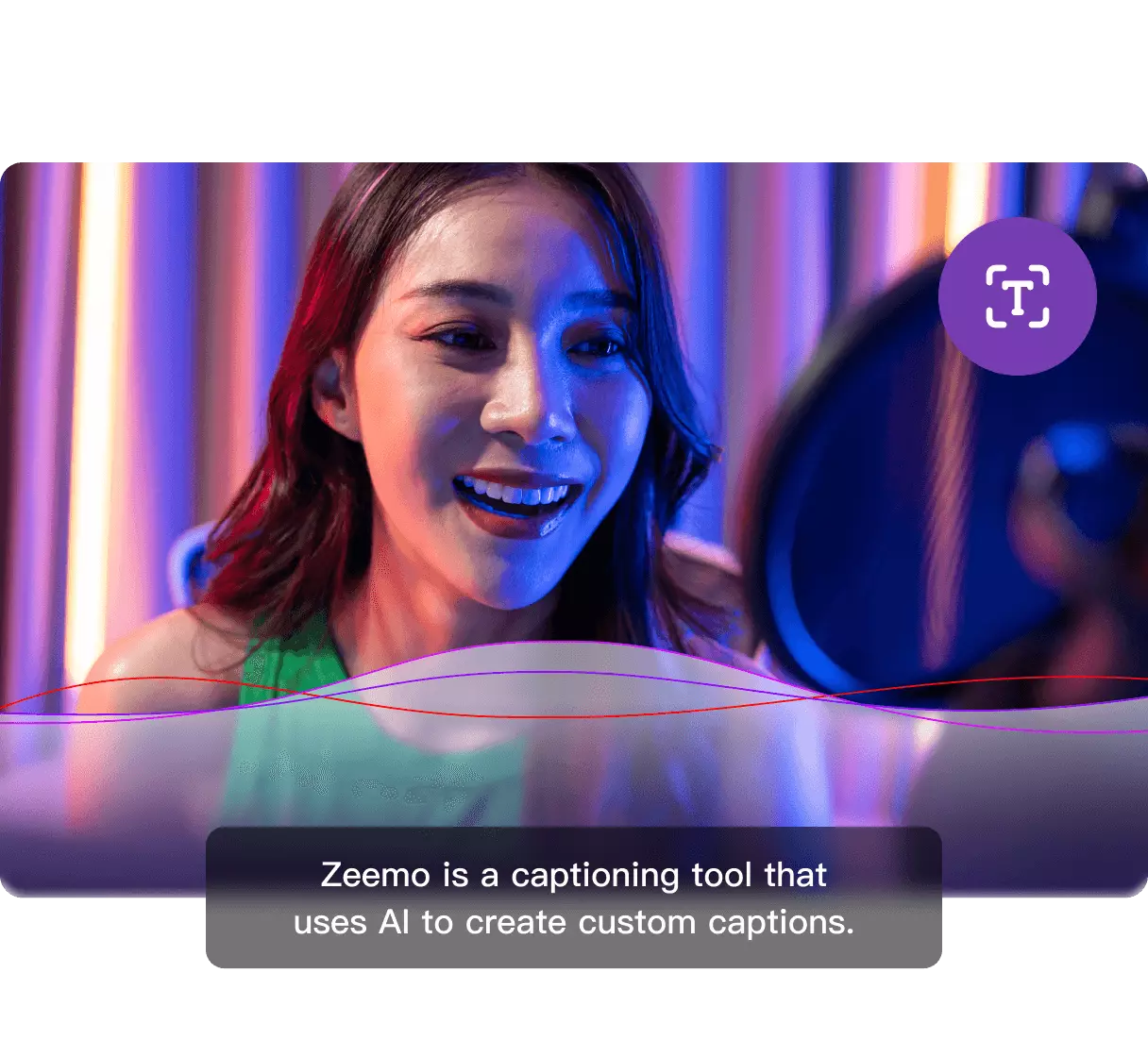
Zeemo has the capability to generate captions for videos automatically. This proves advantageous for content creators aiming to enhance the accessibility of their videos to a wider audience, particularly individuals with hearing impairments. The automated captioning feature serves as a time-saving alternative, eliminating the need for manual transcription and caption addition.
AI-powered caption generator
500+ Pre-made templates
98% High accuracy
Multilingual Assistance
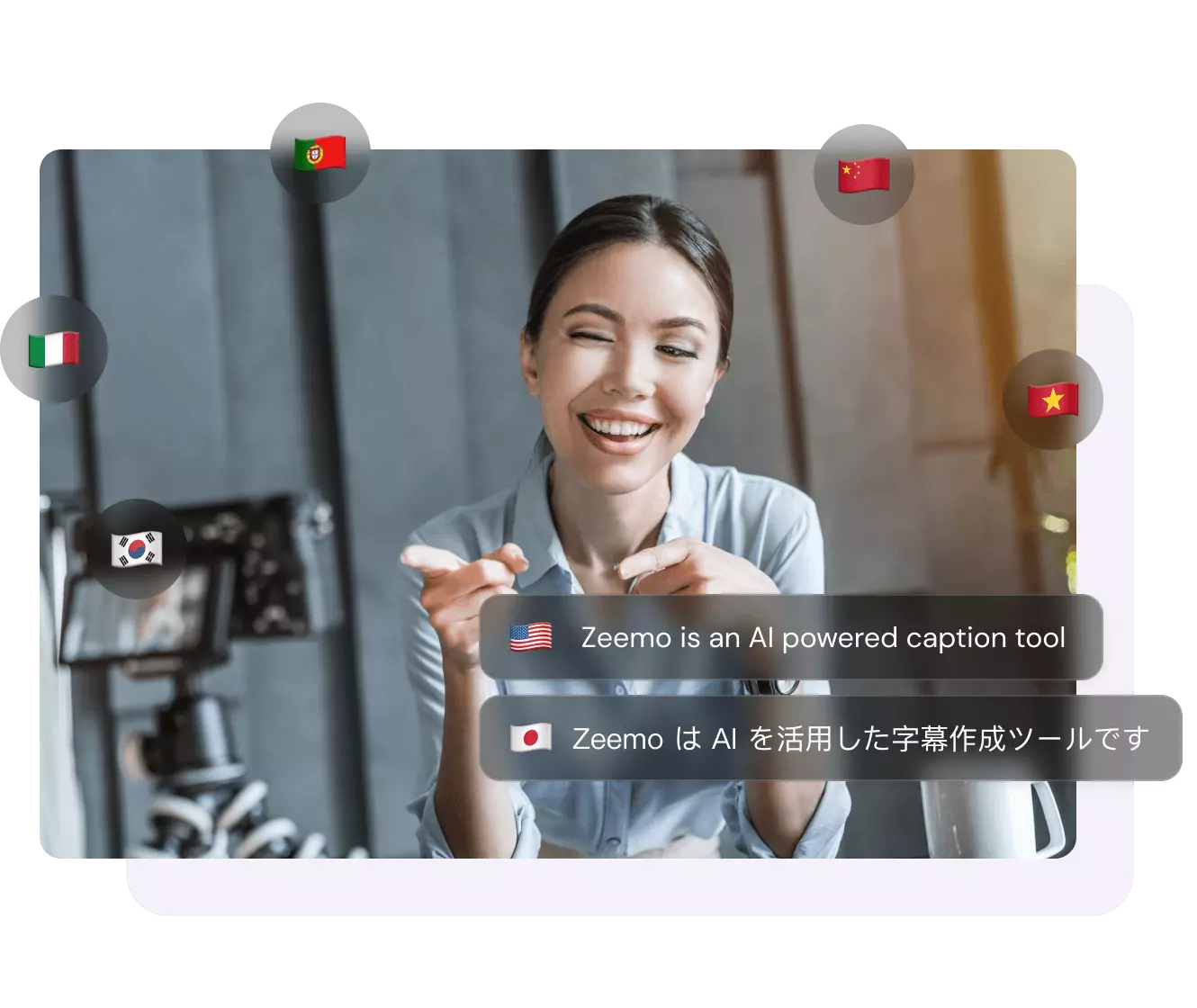
Zeemo's AI-driven captioning tool frequently offers support for various languages. This feature empowers content creators to connect with a worldwide audience by effortlessly incorporating subtitles in multiple languages, eliminating the necessity for laborious manual translation.
Get subtitle in seconds
Make your video more accessible
Multiple languages
Support
FAQs
Need something cleared up? Here are our most frequently asked questions.
How to download TikTok video for free?
Zeemo provides a complimentary tool enabling you to download TikTok videos on your computer. Simply paste the TikTok video URL and click the Download button. Additionally, you can choose to download and edit subtitle content for your videos. Begin your free experience now!
How to download TikTok video captions?
Generating video captions automatically with AI is a straightforward process, and Zeemo is a tool that excels at this task. You can generate video captions automatically using Zeemo's AI-powered caption generation.
- 1. Simply upload your video to Zeemo’s online workspace and you’ll get your captions.
- 2. Customize caption appearance or translate captions for bilingual subtitles, if desired.
- 3. Download captions in SRT or TXT formats, or video file with captions fully embedded.
Zeemo streamlines the process, making it easy to enhance your video's accessibility and engagement.
Can I edit the TikTok video with Zeemo?
Zeemo's caption and video editor empowers you to trim your TikTok video and refine the automatically generated captions. Enjoy a variety of dynamic caption styles, fonts, highlight effects, and subtitle templates provided by Zeemo, ensuring your content stands out effortlessly. With an extensive selection of captivating options, tailor the appearance of your captions to align perfectly with the tone and content of your videos.
Tool List
The Ultimate Video Downloader & Editor
Save time and resources with Zeemo's automatic subtitle and video download tool. Try for free now!
Add Subtitles to Video
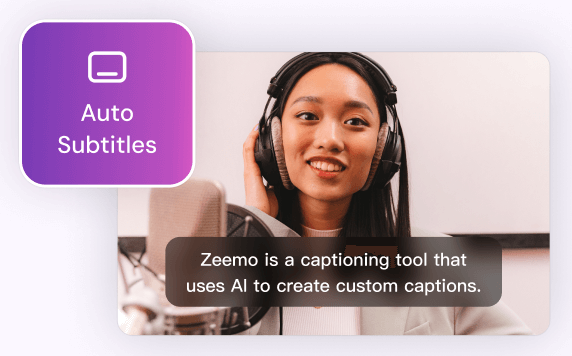
Zeemo provides a user-friendly platform to add subtitles to your videos with ease. You can make your content more inclusive, accessible, and appealing to a broader audience.
Try Now
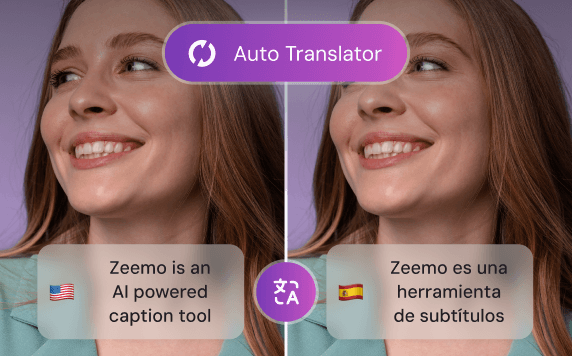
Video Translator
By leveraging Zeemo's video translator to create bilingual subtitles, you can effectively engage with diverse audiences, expand your reach, and enhance the accessibility of your video content.
Try Now
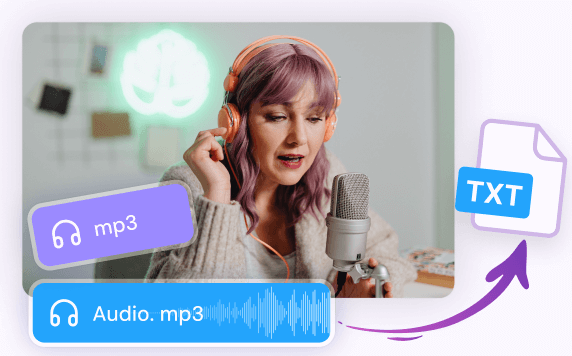
Transcribe Audio to Text
Whether you have recorded interviews, meetings, lectures, podcasts, or any other audio content, Zeemo's advanced technology empowers you to effortlessly transcribe audio to text.
Try Now
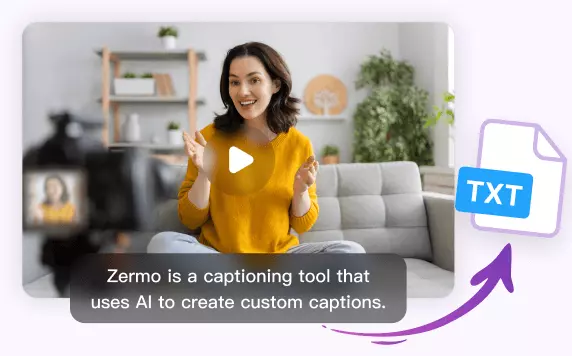
Transcribe Video to Text
Whether you have recorded interviews, webinars, vlogs, or any other video content, Zeemo simplifies the process to transcribe video to text with remarkable accuracy. Upload your videos and try!
Try Now
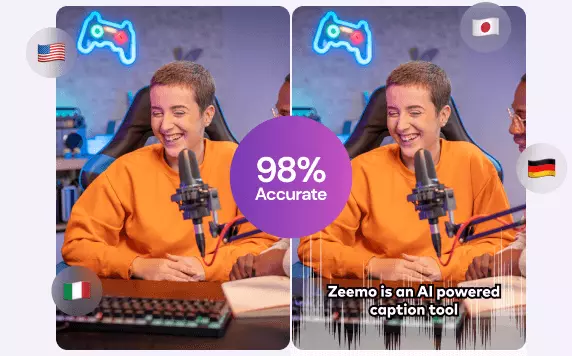
AI Caption Generator
Editing video captions with Zeemo's AI caption generator is a breeze. Refine your captions and make your video content shine.
Try Now
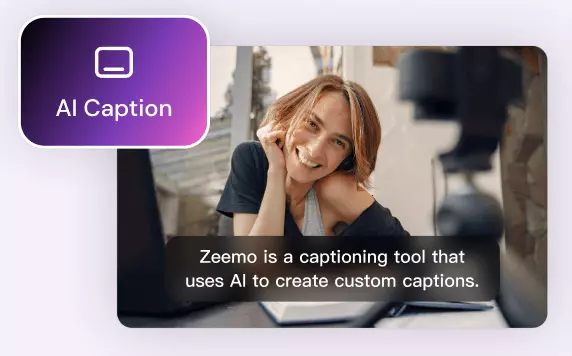
AI Caption Extractor
Using Zeemo's AI caption extractor to extract subtitles and captions, saving significant time and effort. Try free now! Say goodbye to manual transcription!
Try now
YouTube Video Downloader
Zeemo provides a user-friendly platform that makes it easy for you to download YouTube videos online. It helps you to watch YouTube videos even when you are offline.
Try now
X Video Downloader
Zeemo provides a free, user-friendly online platform for downloading X videos, facilitating better secondary creation and distribution of your favourite X videos.
Try now
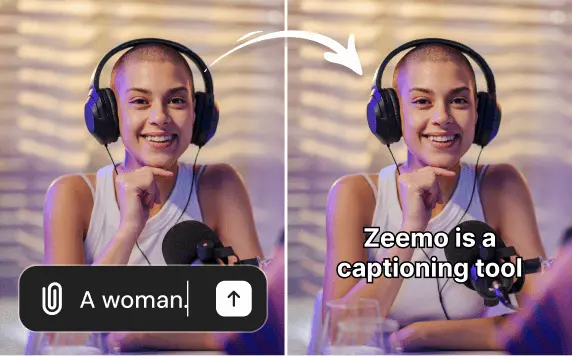
Add caption to Sora video
Use Zeemo's to add captions to Sora-generated videos, translating the captions into other languages to make the video more complete and more conducive to spreading it across social media.
Try now
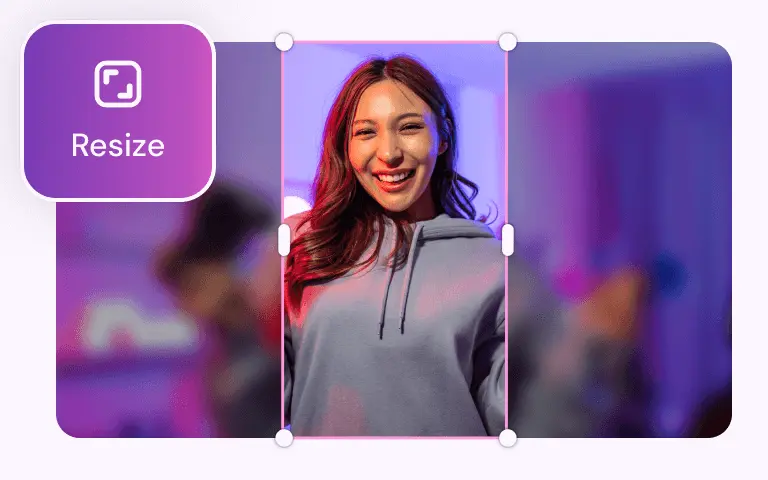
Video Resizer
With Zeemo you can resize the video size with one click, and you can resize any size video to be suitable for posting on social media.
Try now
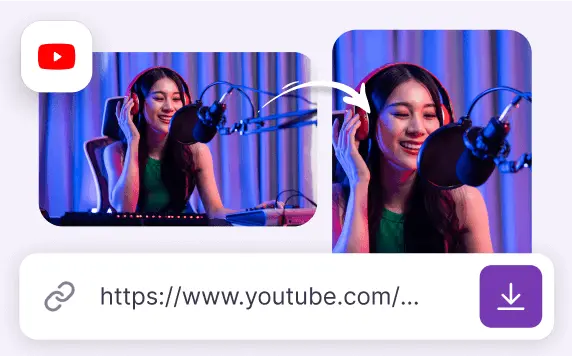
Youtube Converter
YouTube Converter can download a YouTube video or convert it into a video suitable for posting on social media like TikTok, Twitter, and more.
Try now
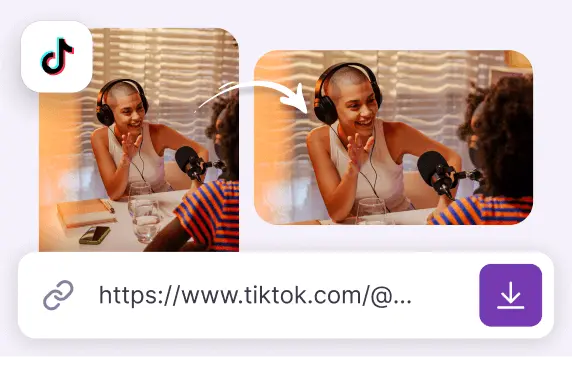
TikTok Converter
TikTok Converter adjusts TikTok videos for optimal sharing on YouTube, Twitter, Instagram and more. It also helps in downloading these videos.
Try now
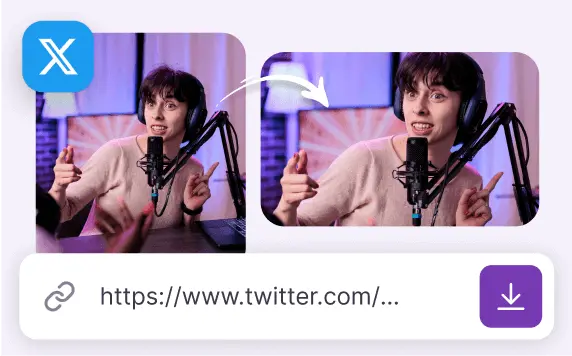
Twitter Converter
Twitter Converter downloads Twitter videos or converts them into videos suitable for posting on YouTube, Instagram and other social media.
Try now
Find More:
Why use Zeemo to download and edit TikTok videos?
Download TikTok videos & modify video captions effortlessly
Zeemo is an online platform created to simplify the download and editing process of TikTok videos. As a user-friendly tool, it enables individuals to freely download TikTok content while also providing the additional capability of video editing within its online workspace.
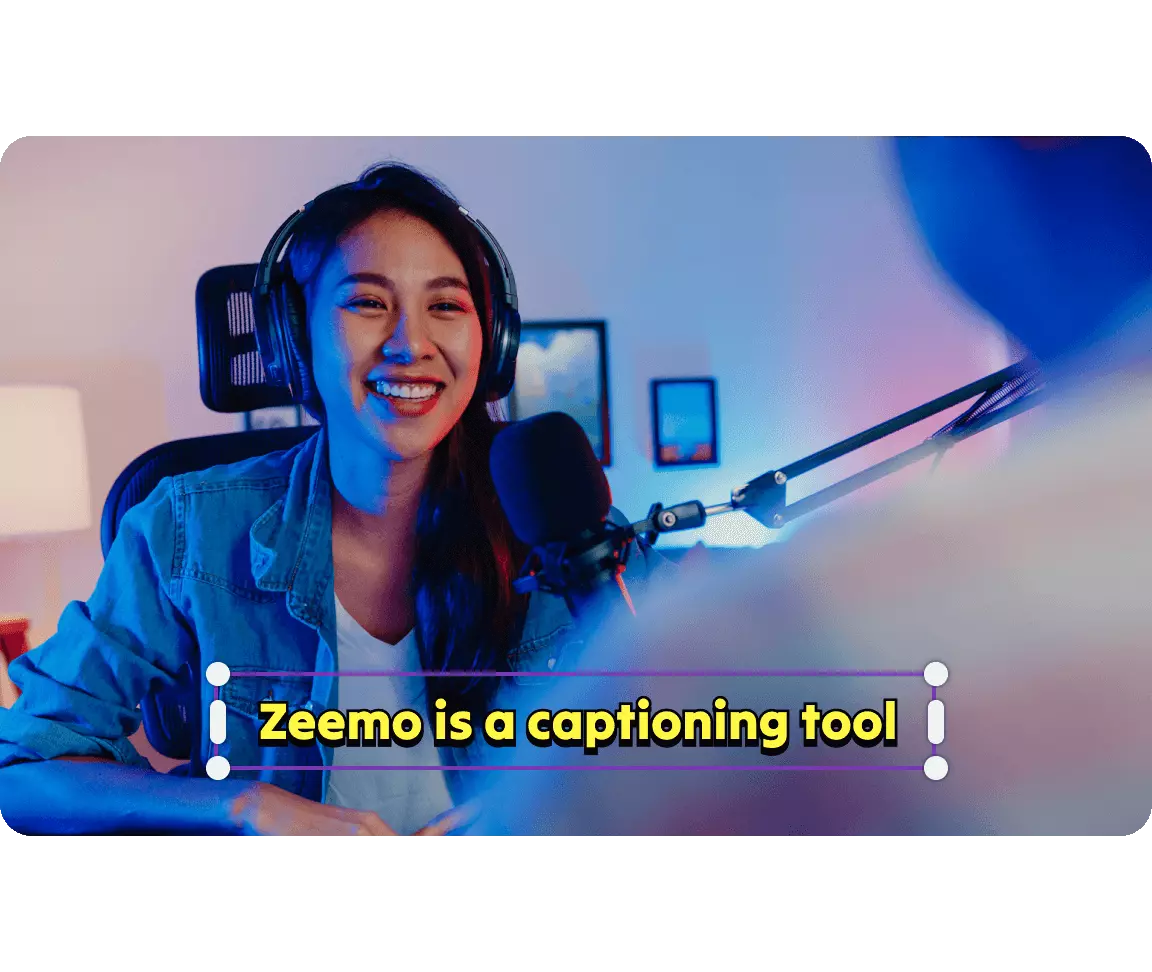
Zeemo boasts a range of features aimed at enhancing the user experience when interacting with TikTok videos. One of its key functionalities is the ability to download TikTok videos directly from the platform, enabling users to access content offline. Additionally, Zeemo offers video editing capabilities, allowing users to trim and customize videos within its online workspace. The platform also provides tools for editing video captions, catering to those who seek to enhance accessibility or make linguistic modifications to the content.
Zeemo - More Than A Video Downloader
·
Download and Offline Viewing: Zeemo provides functionality for downloading TikTok videos, enabling offline viewing and allowing users to enjoy content without an internet connection.
·
Automated Captioning: Zeemo excels at automatically generating captions for videos, offering a valuable feature for content creators looking to enhance accessibility for a broader audience, including those with hearing impairments. This automated captioning feature is a time-saving alternative to manual transcription and captioning.
·
Caption Editing Features: Delve into Zeemo's caption editing tools to explore its user-friendly interface, offering easy addition, modification, or removal of captions. Users can also apply styles and pre-set templates to enhance the visual appeal of their captions.
·
Customer Support: Zeemo prioritizes user support, ensuring availability and responsiveness to address any technical issues, answer questions, or provide assistance with effective tool utilization. A reliable support system is crucial for a seamless user experience.
Sign up for Free Trial
Captions made easy.