YouTube
 TikTok
 Reddit
 Instagram
 Twitter
 Facebook
Tools
Youtube Converter
Youtube Converter
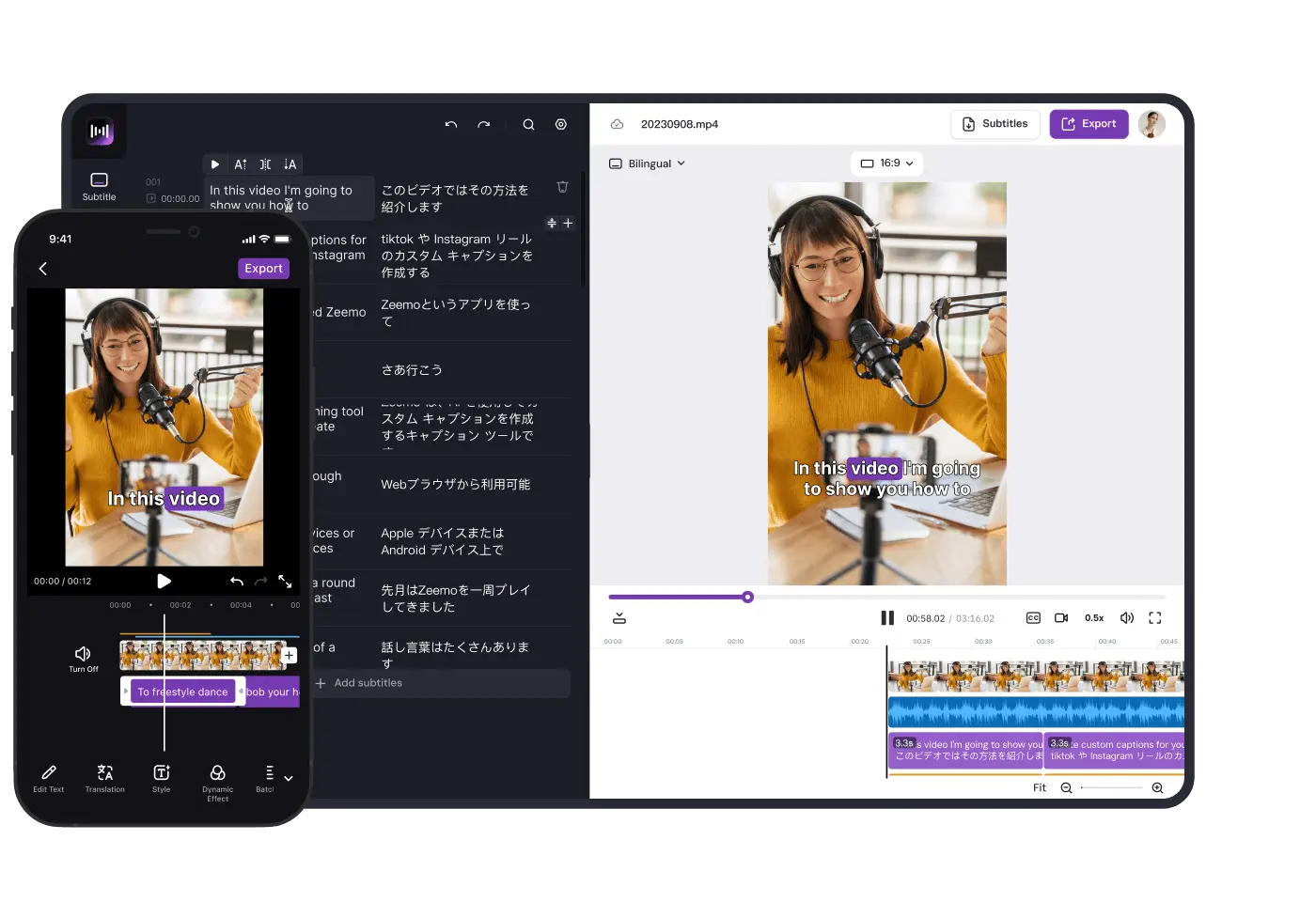
The free youtube converter can convert youtube to MP4 and also supports editing the video to make it more suitable for posting on other social media.
How to convert YouTube videos?
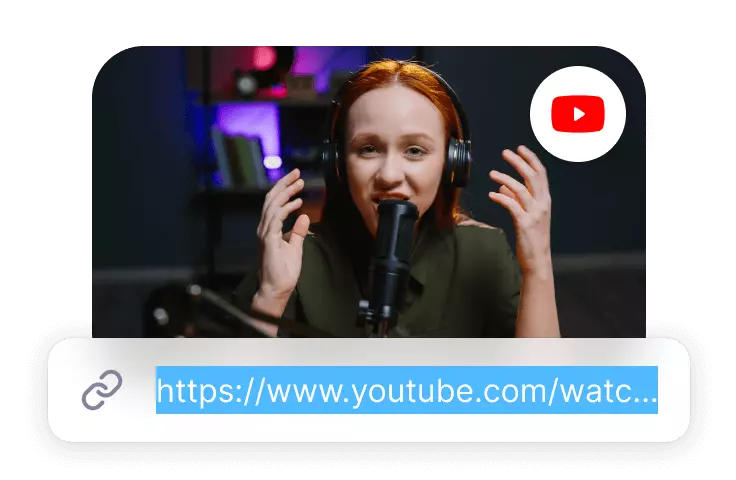
Upload YouTube video link
Paste the link to the YouTube video, click the Convert button and Zeemo will automatically upload and recognise the YouTube video.
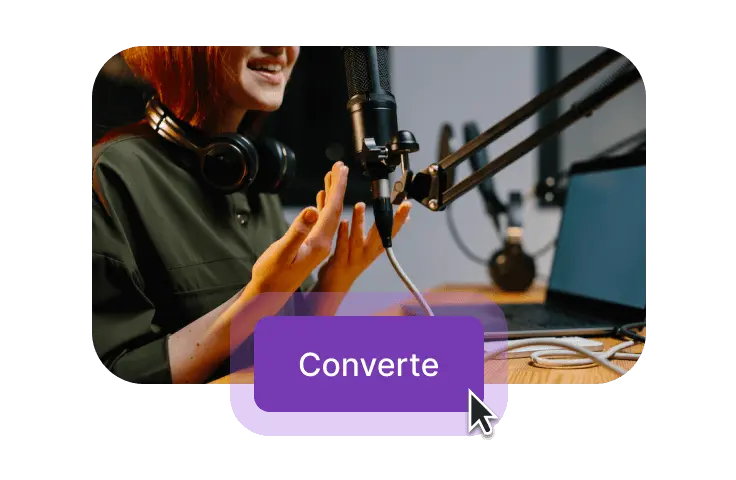
Convert youtube video
You can choose to download YouTube videos as MP4 or convert 16:9 YouTube videos to 9:16 TikTok videos, as well as add subtitles, add motion effects to subtitles, add captions, and more, perfect for remaking your YouTube videos.
Download YouTube videos
You can download YouTube videos directly, or you can export the edited video and download the video subtitles.
Features
Converting YouTube videos to fit more social media
Zeemo Youtube Converter can translate YouTube video content, modify video size, add video subtitles, add subtitle motion effects and more.
Convert YouTube Video Size with one click
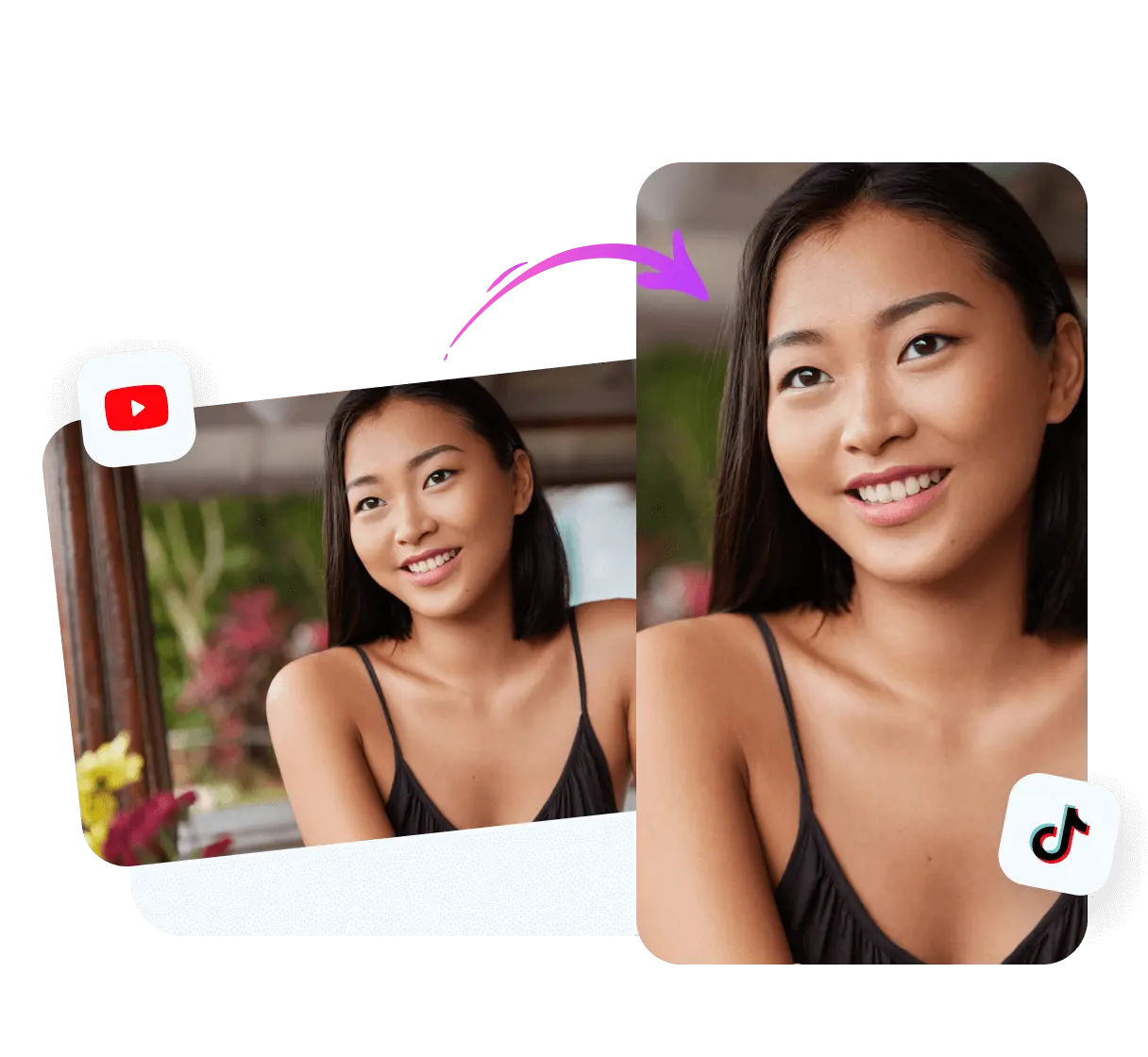
Zeemo's YouTube converter supports converting video size.YouTube videos are usually in 16:9 ratio, but this video ratio is not applicable to social media such as TikTok, X, Instagram, etc. Zeemo currently supports converting YouTube videos to 9:16, 3:4, 1:1, 4:3, and so on.
Convert YouTube videos into 9:16 ratio videos
Convert YouTube videos into 4:3 ratio videos
Convert YouTube videos into 1:1 ratio videos
Convert YouTube videos with subtitles
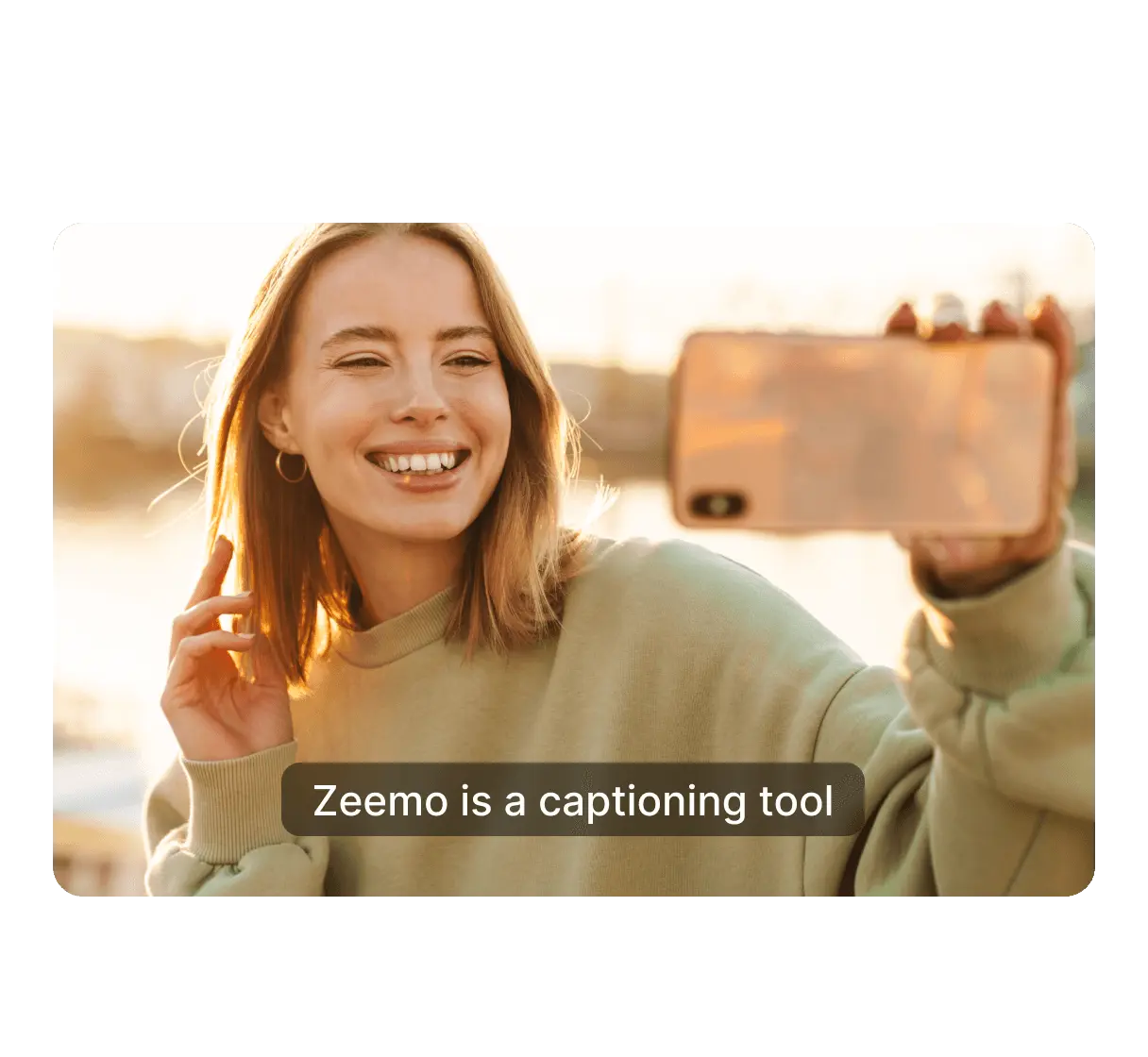
Zeemo has the ability to automatically recognise and translate subtitles. The great thing about subtitles is that they let the viewer know what the video is about, no matter what the context is. Therefore, you can add subtitles to your videos so that your YouTube videos can be more widely distributed in other social media.
Supports adding subtitles to videos in 95 languages.
Supports translation of subtitles into 113 languages
Support manual modification of subtitle content
Convert YouTube videos with dynamic effects
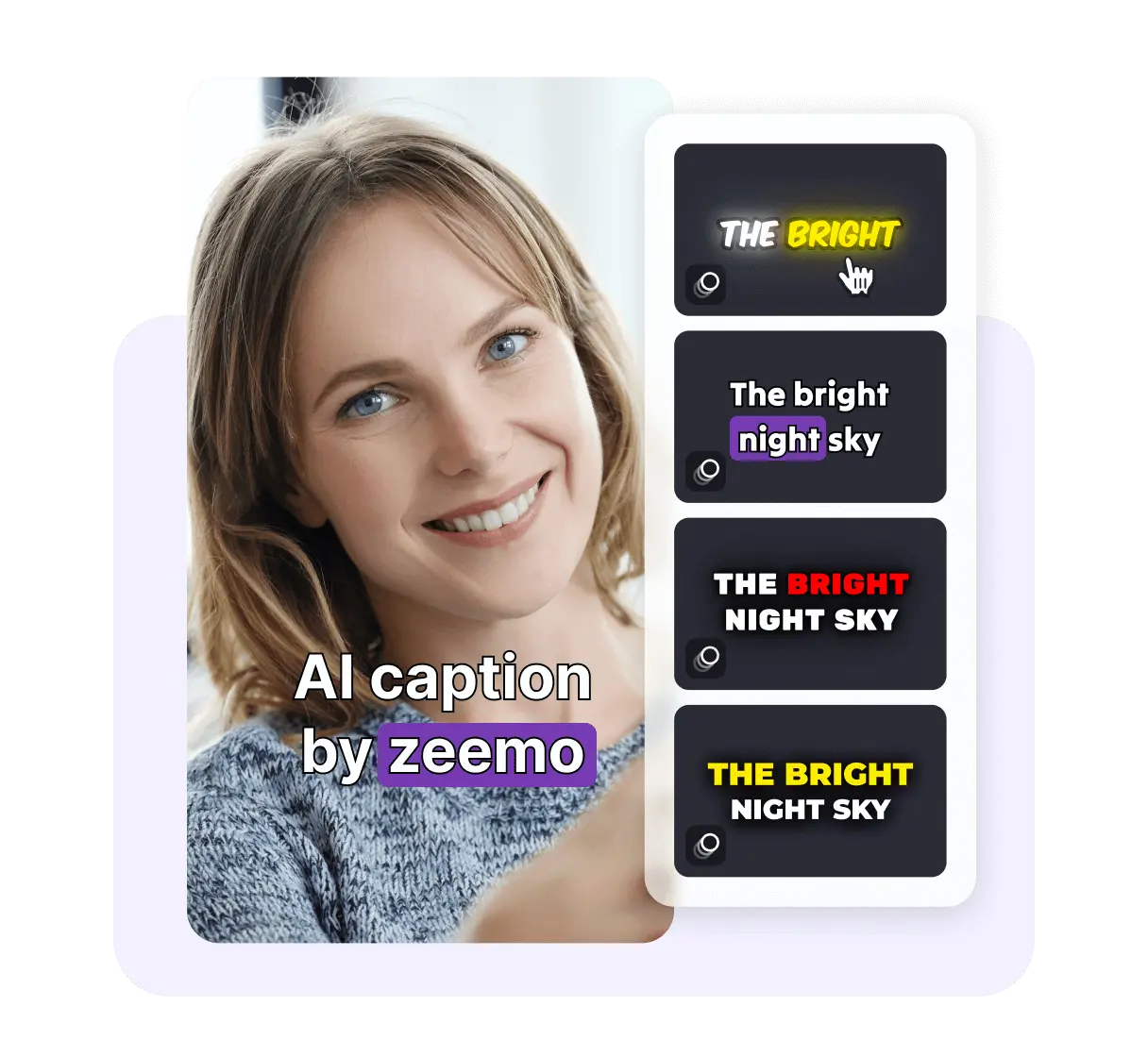
Zeemo's YouTube converter transforms YouTube videos into videos suitable for posting on other social media with dynamic subtitles.Zeemo can add dynamic effects to subtitles, including the same dynamic subtitles that work for many influencers. These dynamic subtitles can give your video a unique style, deepen users' impression of your video, and gain wider distribution.
Adding Unique Dynamic Effects to Subtitles
Use the same dynamic subtitles as influencers
Increase playback time by making the video distinctive
Support
FAQs
Need something cleared up? Here are our most frequently asked questions.
How Zeemo Converts YouTube Videos?
Zeemo YouTube Converter supports downloading YouTube videos or changing YouTube videos into videos suitable for distribution in other social media. Because Zeemo has the functions of changing video size, adding subtitles to video, translating subtitles to video, adding dynamic effects to video subtitles, and adding captions with one click, and Zeemo also supports downloading YouTube videos and video subtitles.
How to use YouTube Converter?
If you need to convert a YouTube video to make it more suitable for distribution on other social media platforms. Then it can be done in just three steps: 1. Paste the YouTube link and click the Convert button, you can choose to download the video or click other function buttons to enter the editor. 2. Click "Original" button to change the scale of the video; click "Template" button to add dynamic effects to the subtitles; click "Text" button to add titles to the video. 3.After the YouTube conversion is finished, you can click 'Export Video' button to download the video with subtitles, or click 'Subtitle File' button to export the subtitle file separately.
Why you need to convert YouTube to TikTok with Zeemo?
The biggest difference between a YouTube video and a TikTok video is that it is shorter and faster paced, so the need to convert a YouTube to a TikTok video involves modifying the video size, as well as adding subtitles to better inform the viewer of the video's content.
How to convert YouTube to TikTok videos using zeemo?
If you need to convert YouTube videos to TikTok videos, you can do it in just three steps. 1. Use the YouTube link to upload the video into Zeemo's editor 2. Click ‘Original’ button to convert YouTube video to 9:16 size; click ‘Template’ button to add dynamic effects for subtitles; click ‘Text ‘ button to add titles to the video. 3. Click ‘Export Video’ button to download the video with subtitles, or click ‘Subtitle File’ button to export the subtitle file separately.
How to convert YouTube to Instagram videos using zeemo?
If you need to convert YouTube videos to Instagram videos, you can do it in just three steps. 1. Upload the video to Zeemo editor using the YouTube link, select the original language of the YouTube video and the subtitles to be translated. 2. Click the ‘Original’ button to convert the YouTube video to 1:1 size; click the ‘Template’ button to add dynamic effects to the subtitles to make your video more distinctive; 3. Click ‘Export Video’ button to download the video with subtitles, or click ‘Subtitle File’ button to export the subtitle file separately.
Tool List
Most useful features for video creators
The following features are among the most frequently used by video content creators and have been well received
Add Subtitles to Video
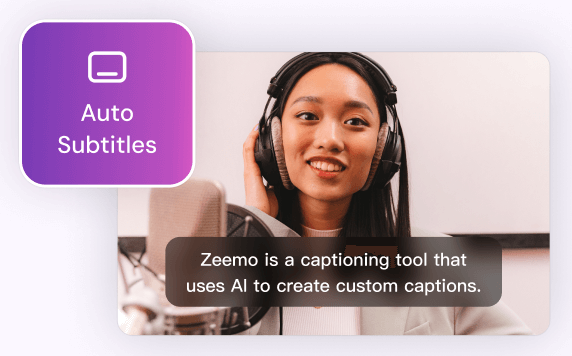
Zeemo provides a user-friendly platform to add subtitles to your videos with ease. You can make your content more inclusive, accessible, and appealing to a broader audience.
Try Now
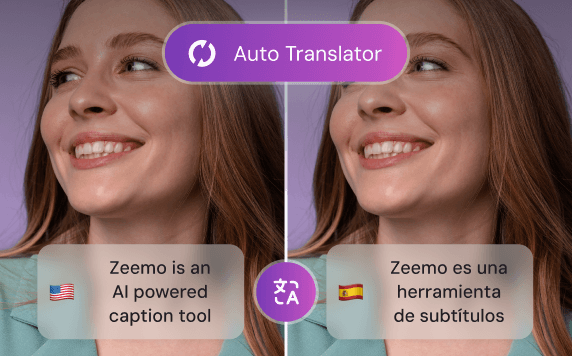
Video Translator
By leveraging Zeemo's video translator to create bilingual subtitles, you can effectively engage with diverse audiences, expand your reach, and enhance the accessibility of your video content.
Try Now
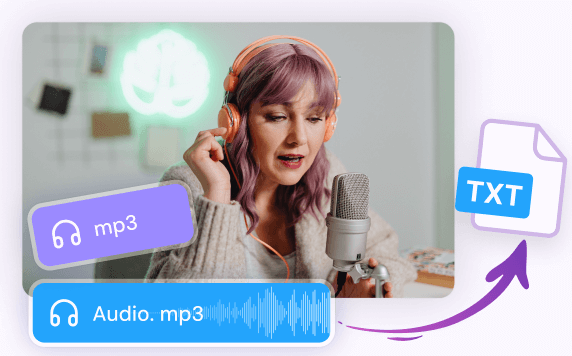
Transcribe Audio to Text
Whether you have recorded interviews, meetings, lectures, podcasts, or any other audio content, Zeemo's advanced technology empowers you to effortlessly transcribe audio to text.
Try Now
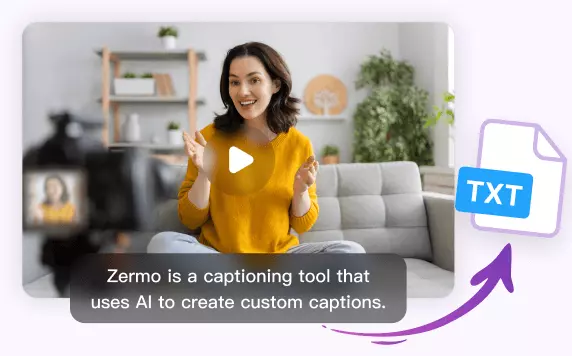
Transcribe Video to Text
Whether you have recorded interviews, webinars, vlogs, or any other video content, Zeemo simplifies the process to transcribe video to text with remarkable accuracy. Upload your videos and try!
Try Now
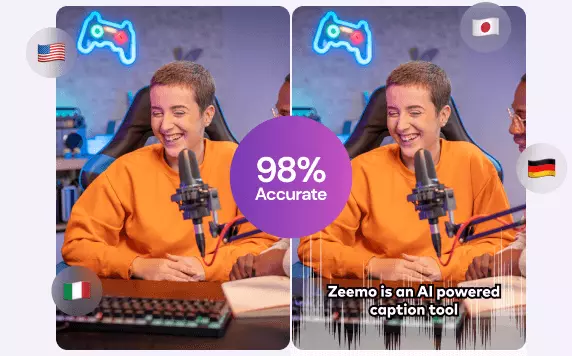
AI Caption Generator
Editing video captions with Zeemo's AI caption generator is a breeze. Refine your captions and make your video content shine.
Try Now
AI Caption Extractor
Using Zeemo's AI caption extractor to extract subtitles and captions, saving significant time and effort. Try free now! Say goodbye to manual transcription!
Try now
YouTube Video Downloader
Zeemo provides a user-friendly platform that makes it easy for you to download YouTube videos online. It helps you to watch YouTube videos even when you are offline.
Try now
TikTok Video Downloader
Zeemo offers a convenient and easy-to-use online platform for downloading TikTok videos, enabling you to enjoy TikTok content even when you're offline.
Try now
X Video Downloader
Zeemo provides a free, user-friendly online platform for downloading X videos, facilitating better secondary creation and distribution of your favourite X videos.
Try now
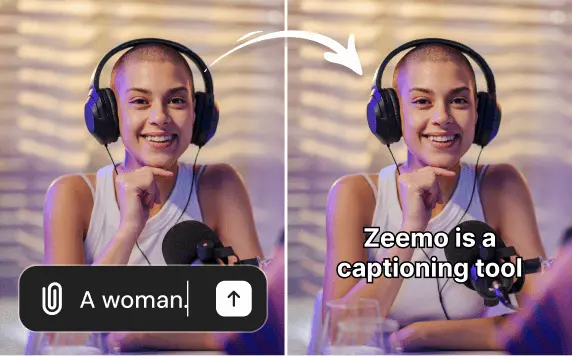
Add caption to Sora video
Use Zeemo's to add captions to Sora-generated videos, translating the captions into other languages to make the video more complete and more conducive to spreading it across social media.
Try now
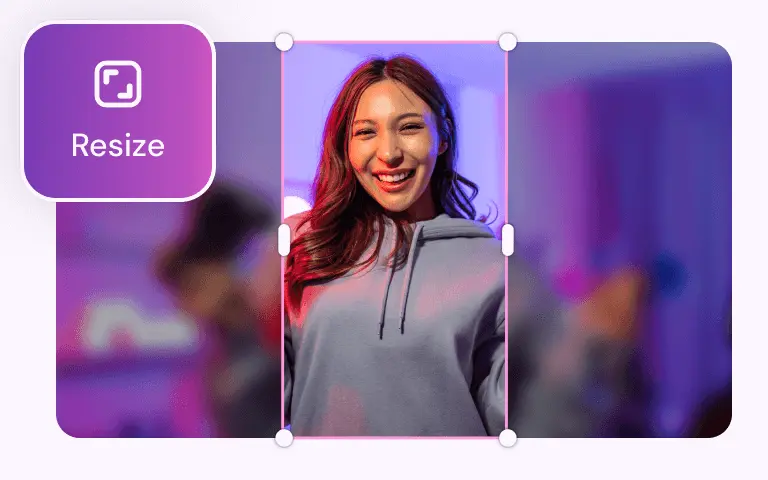
Video Resizer
With Zeemo you can resize the video size with one click, and you can resize any size video to be suitable for posting on social media.
Try now
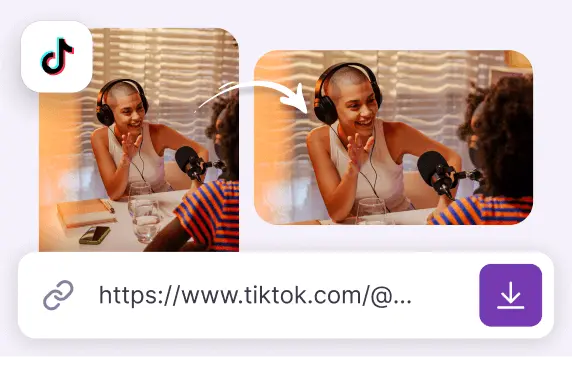
TikTok Converter
TikTok Converter adjusts TikTok videos for optimal sharing on YouTube, Twitter, Instagram and more. It also helps in downloading these videos.
Try now
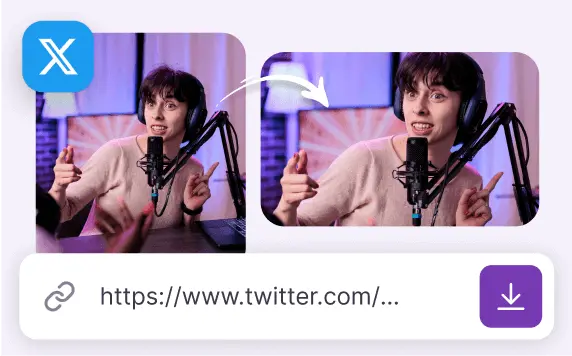
Twitter Converter
Twitter Converter downloads Twitter videos or converts them into videos suitable for posting on YouTube, Instagram and other social media.
Try now
Find More:
Why Use Zeemo to Convert YouTube Videos
Increase video usage and lower the barriers to video production
In today's digital age, social media is saturated with content, and for video bloggers, producing high quality videos can be lucrative. A key aspect to focus on is avoiding uniformity in content and presentation style, and Zeemo's YouTube Convert helps your videos stand out by adding unique formatting elements.
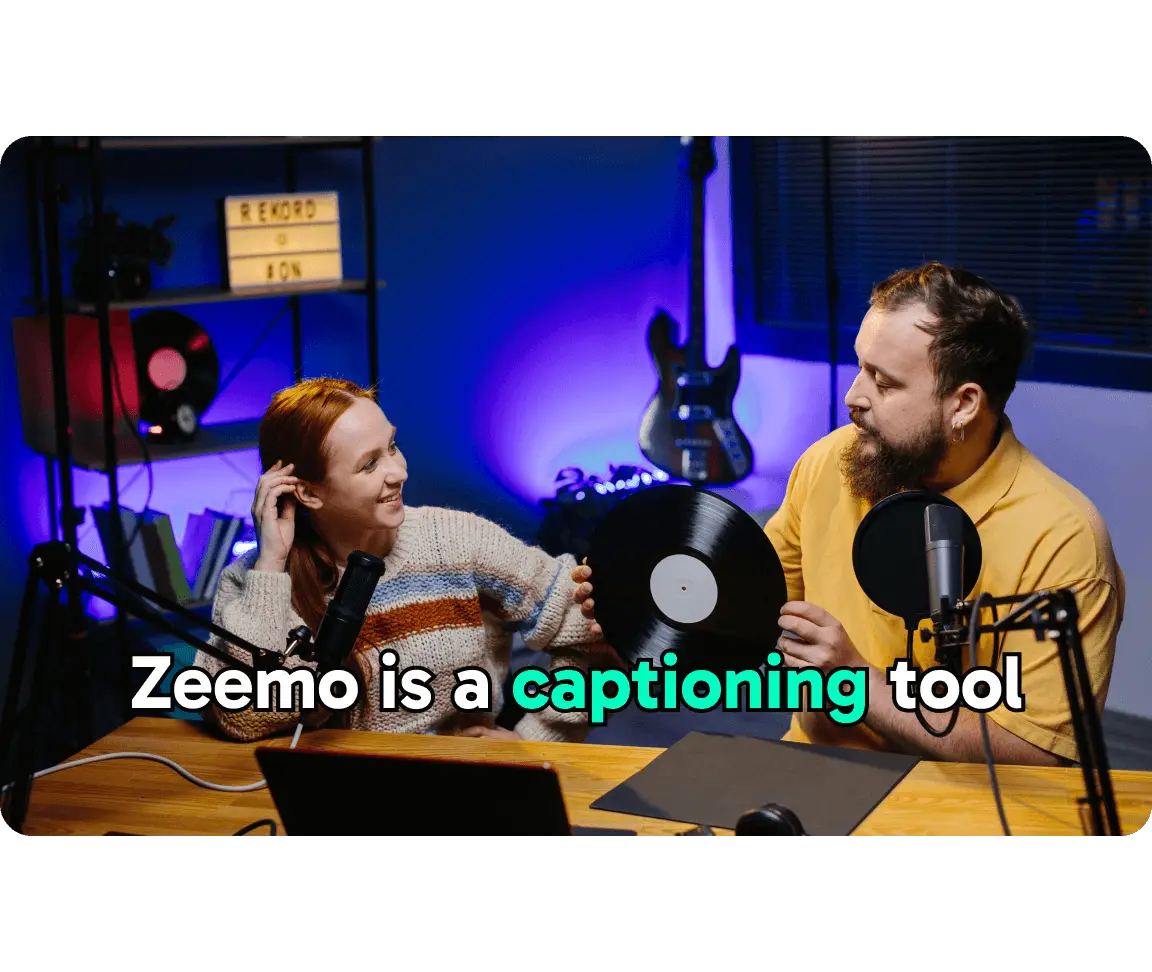
Firstly, Zeemo's YouTube Converter allows you to convert YouTube videos to TikTok videos, YouTube videos to Twitter videos, and YouTube videos to Instagram videos from within the editor.
In traditional video editing tools, completing the above tools requires a lot of effort in resizing the video, adding video subtitles, translating the video subtitles, adding special effects to the video, and so on. These tasks usually consume the video creator's time and are often not possible in basic editing software.
Zeemo's YouTube Convert uses advanced AI technology to enable one-click video resizing, subtitle recognition and translation, and adding subtitle motion effects. This not only increases the efficiency of video creators, but also improves content quality and distribution potential.
Zeemo's Youtube Converter: Tools for disrupting tradition
·
One-Click Video Size Modification:Allows effortless adjustment of video dimensions to fit various social media platforms.
·
Automatic Subtitle Addition:Automatically recognizes speech in videos and adds subtitles, enhancing accessibility for viewers in any environment.
·
Auto-Translate Subtitles:Supports translation into multiple languages, broadening the audience by making the content understandable to viewers in different countries.
·
Rich Dynamic Subtitles:Offers a selection of dynamic subtitle templates that add a distinctive character to videos, making them more engaging and personalized.
Sign up for Free Trial
Convert YouTube videos online for free