YouTube
 TikTok
 Reddit
 Instagram
 Twitter
 Facebook
Tools
Add caption to Sora video
Add caption to Sora video
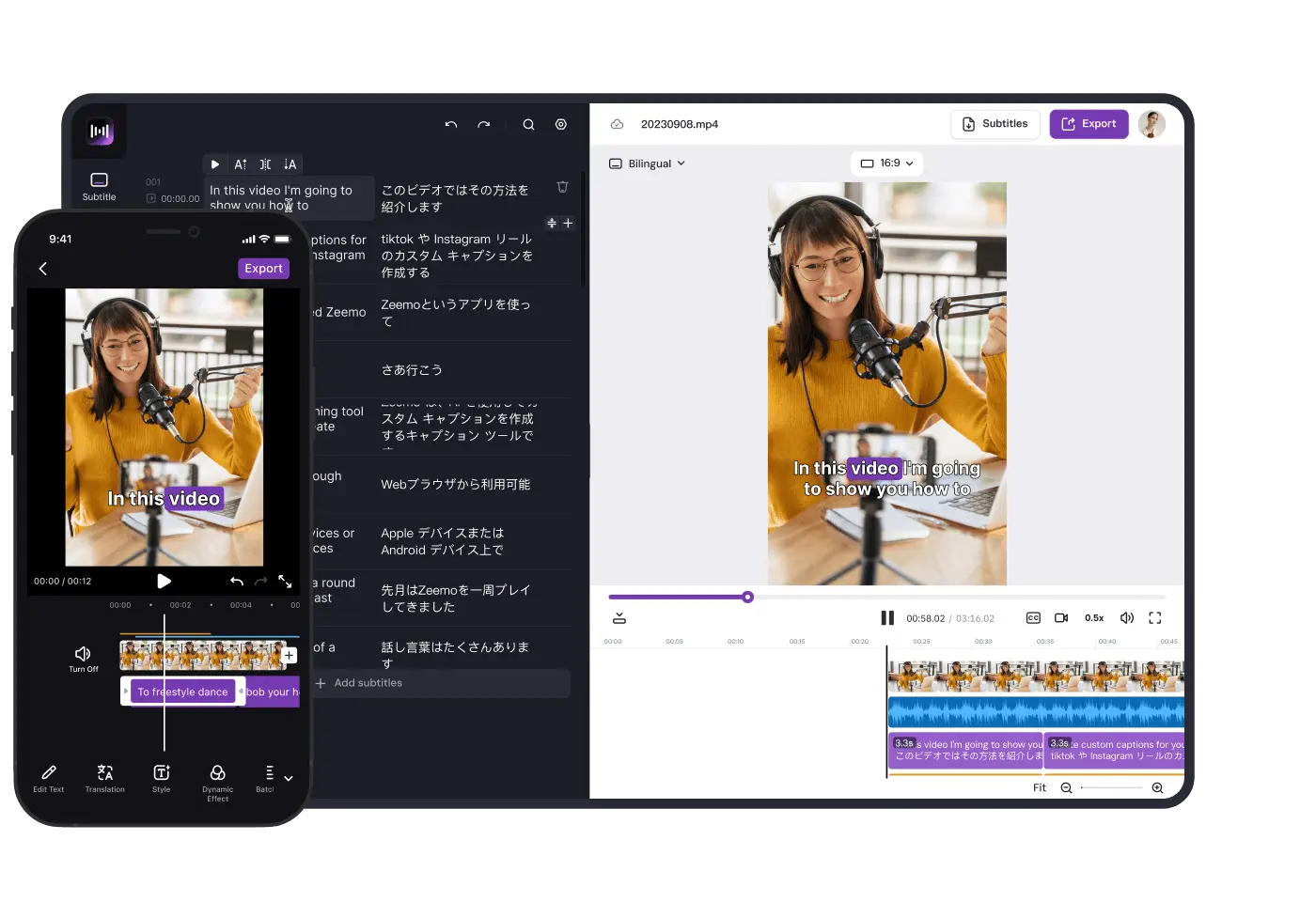
Add caption to Sora-generated videos with Zeemo AI and help video creators create better videos
How to add Caption with AI?
Generate Sora Video
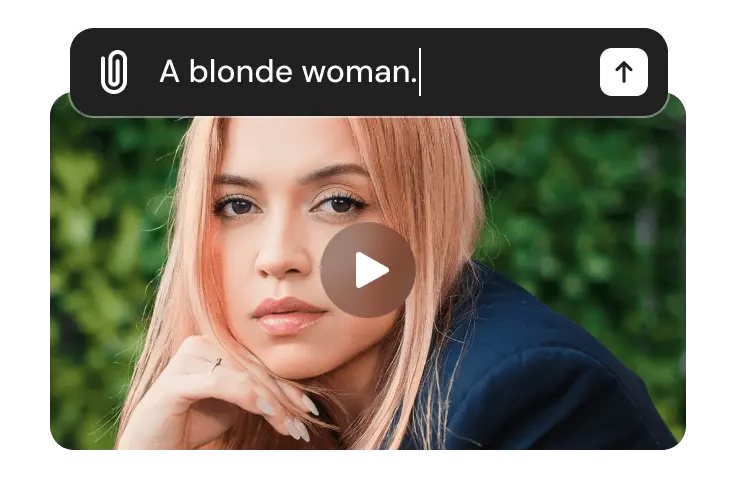
Give Sora a text instruction with a clear description of what you want, and let Sora to generate the video in 60 seconds or less.
Audio for Sora video
Because the videos generated by Sora are silent, you can dub them with tools like ElevenLabs, Speechify, Play.ht, and more.
Uploading Sora-generated videos
Click the “Create Caption” button. Upload the video with sound to Zeemo's workspace, Zeemo , and choose whether you want bilingual subtitles or subtitle translation.
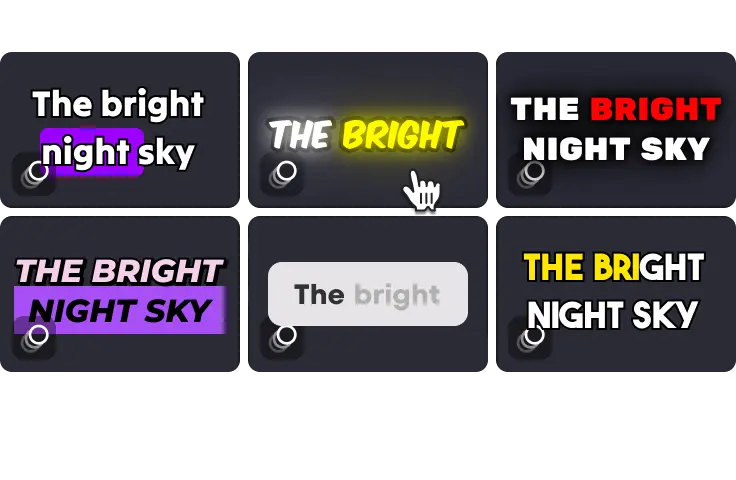
Select caption template
After the caption recognition, you can modify the caption content, choose the caption template, or customize the caption style, such as font, colour, caption position, etc.
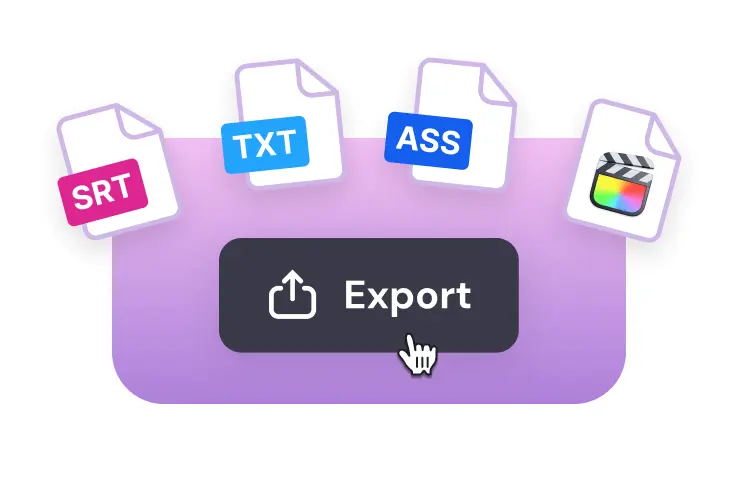
Export
Once you have completed the process of editing video captions, you can easily export your video file with fully embedded captions or download the SRT caption file for further use.
Explore All the Intuitive Subtitle Editing Features
Engage with Subtitles, 500+ Templates
Customize the appearance, font, size, color, and positioning of your subtitles

Templates
Pre-made subtitle styles

Dynamic Effects
Let your captions dance

Fonts
Vast fonts choices

Colors
Customize text colors













Features
AI caption tool to enhance the appeal of Sora videos
Zeemo's AI captioning tool makes captioning a breeze, add captions to Sora-generated silent videos to make them complete and perfect
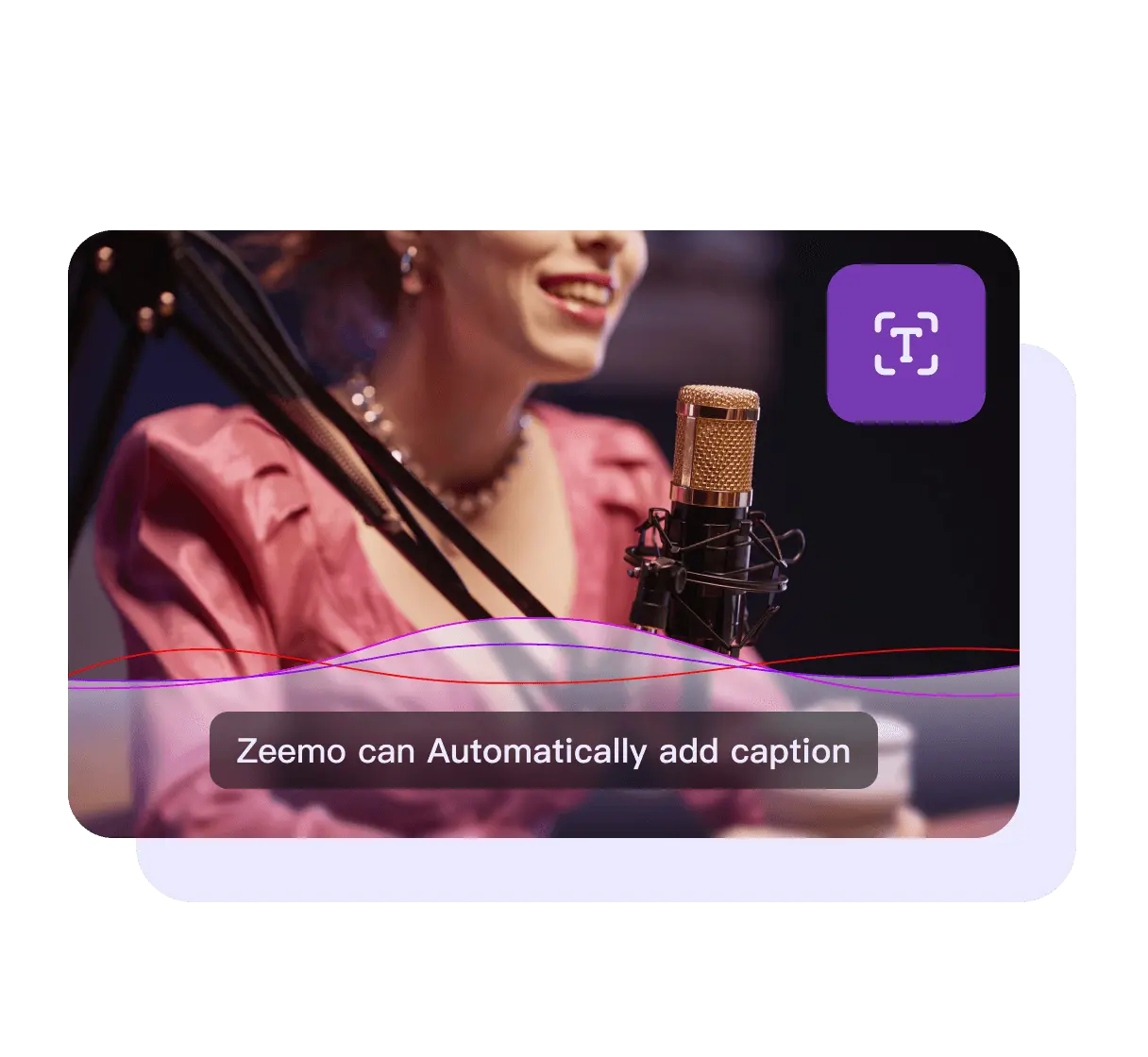
Automatically add caption
Zeemo can automatically recognise and add captions; Sora currently only offers silent videos, so dub the video and upload it to Zeemo, which will automatically match the captions to the Sora video clip, allowing the video to be better distributed on social media.
Auto-recognition & caption
AI Technology Driven
Extremely high captioning accuracy
Multilingual translation of captions
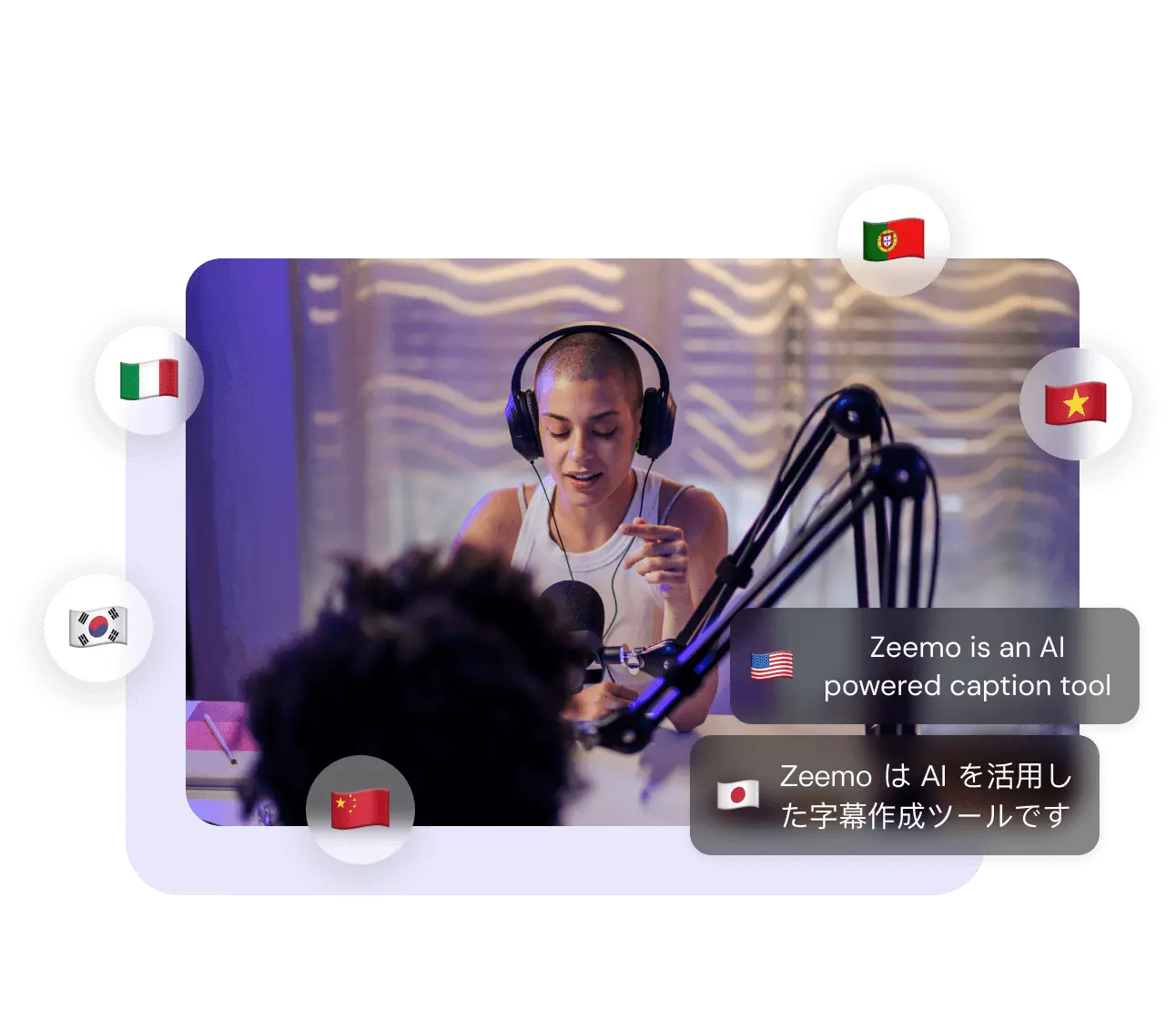
Zeemo also features bilingual subtitles and caption translations. Currently Zeemo supports 95 languages, with more on the way. Currently Zeemo supports 95 languages, with more on the way. Bilingual captions allow Sora-generated videos to be distributed more widely around the world.
Generate bilingual captions in seconds
Free translation of captions
Worldwide dissemination of videos
Caption Effects to Enhance Video
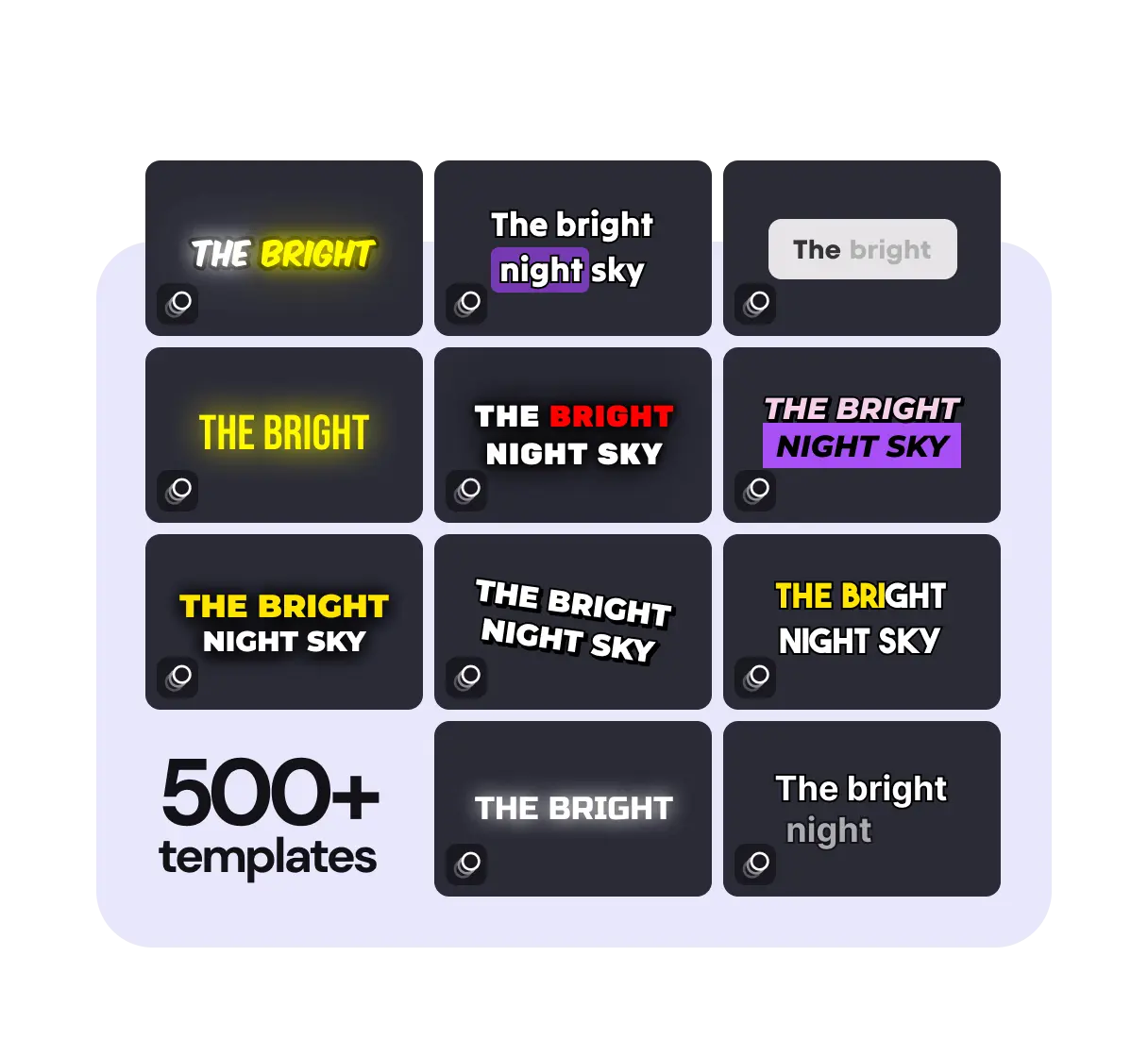
Zeemo offers more than 500 caption templates and dynamic captions. Including the same subtitle effects as many famous KOL (such as. Ali Abdal), you can pick different subtitle effects according to the style of the video generated by Sora to enhance the quality and attractiveness of your video.
500+ Pre-made templates
Customize caption style
Excellent Dynamic Captions
Support
FAQs
Need something cleared up? Here are our most frequently asked questions.
Why do you need captions for Sora videos?
Currently, Sora can only produce silent videos. Although the visual effect is quite beautiful, the video conveys limited information due to the lack of sound. What's more, short video platforms are not very friendly to silent videos.
According to the BBC, data from Stagetext shows that three-quarters of viewers aged 18-25 say they use captions all or part of the time.
So dubbing a Sora-generated silent video can output the emotional value, and adding captions to a Sora video can be perfect for outputting the video's content message.
How to Automatically Caption Sora Videos with AI?
Thanks to powerful algorithms and data models, using Zeemo to add captions to Sora videos can be done in just three steps.
Since Sora generates silent videos, Zeemo only supports recognising and adding captions to videos with human voices, so you'll need to dub your Sora videos in advance.
Step 1:simply upload the Sora video and caption files to the Zeemo APP or online workspace and let the captions automatically match the video.
Step 2: If desired, customise the look of the captions, choose a great caption template or translate the captions to create bilingual captions.
Step 3:you can manually change the content of the captions and when they match, and then export the video.
Zeemo simplifies the process of captioning your Sora videos and greatly improves the efficiency of your video production.
Can I add captions manually in my workspace?
You can manually add captions to Sora videos in Zeemo's workspace, and Zeemo offers bilingual captioning. In addition to adding captions manually, Zeemo allows you to customise caption styles, font types, sizes, and more.
Will the captions be embedded within the Sora video?
Whether you use Zeemo's AI technology to match the captions to the video or manually add captions to the video, you can embed the captions into the video. You can get the video with captions or export the caption file separately.
How can I get the same caption effect as a famous KOL?
Zeemo has made reference to some famous KOL's caption effects and made them into caption templates, you just need to enter the editing page through mobile or web, click the "Template" button, you can choose the corresponding caption template and dynamic captions.
Tool List
The Ultimate Accurate Sora Caption Tool
Use Zeemo's captioning and translation tools to accurately match captions to videos and improve video quality.
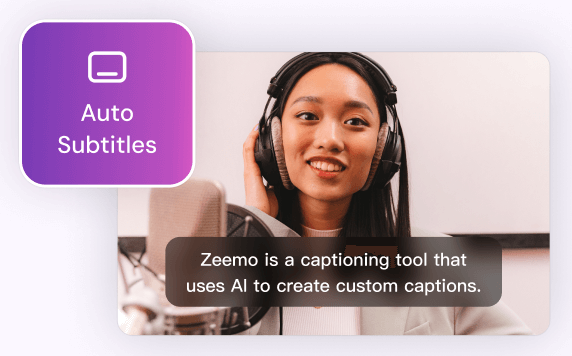
Add Subtitles to Video
Zeemo provides a user-friendly platform to add subtitles to your videos with ease. You can make your content more inclusive, accessible, and appealing to a broader audience.
Try Now
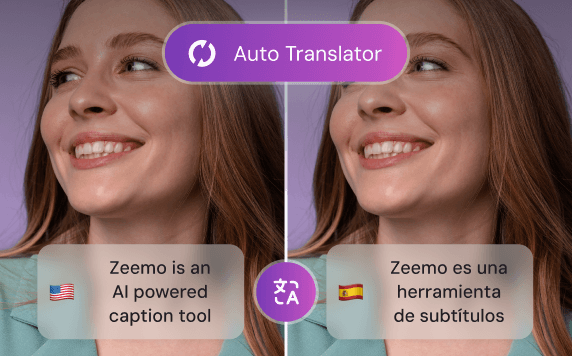
Video Translator
By leveraging Zeemo's video translator to create bilingual subtitles, you can effectively engage with diverse audiences, expand your reach, and enhance the accessibility of your video content.
Try Now
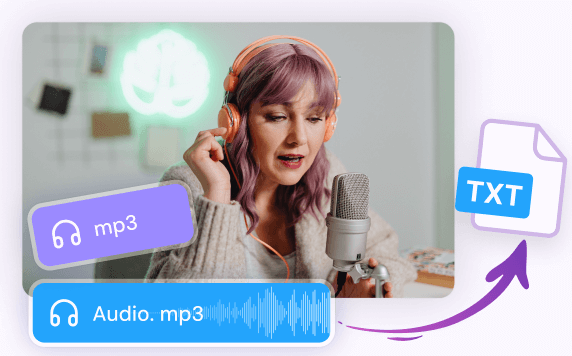
Transcribe Audio to Text
Whether you have recorded interviews, meetings, lectures, podcasts, or any other audio content, Zeemo's advanced technology empowers you to effortlessly transcribe audio to text.
Try Now
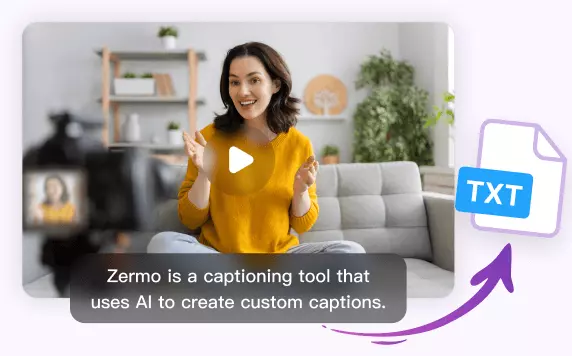
Transcribe Video to Text
Whether you have recorded interviews, webinars, vlogs, or any other video content, Zeemo simplifies the process to transcribe video to text with remarkable accuracy. Upload your videos and try!
Try Now
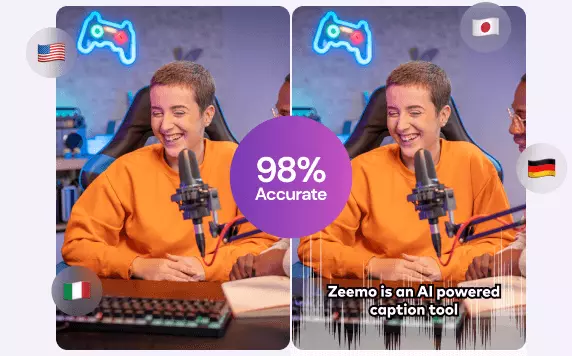
AI Caption Generator
Editing video captions with Zeemo's AI caption generator is a breeze. Refine your captions and make your video content shine.
Try Now
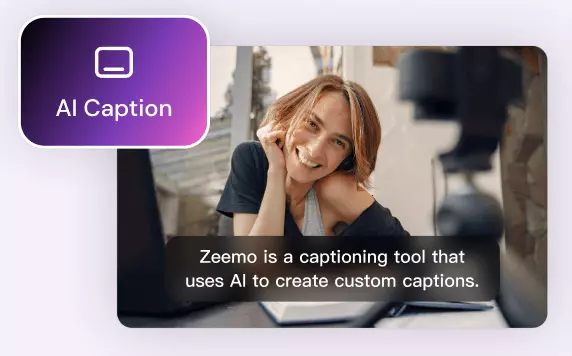
AI Caption Extractor
Using Zeemo's AI caption extractor to extract subtitles and captions, saving significant time and effort. Try free now! Say goodbye to manual transcription!
Try now
YouTube Video Downloader
Zeemo provides a user-friendly platform that makes it easy for you to download YouTube videos online. It helps you to watch YouTube videos even when you are offline.
Try now

TikTok Video Downloader
Zeemo offers a convenient and easy-to-use online platform for downloading TikTok videos, enabling you to enjoy TikTok content even when you're offline.
Try now

X Video Downloader
Zeemo provides a free, user-friendly online platform for downloading X videos, facilitating better secondary creation and distribution of your favourite X videos.
Try now
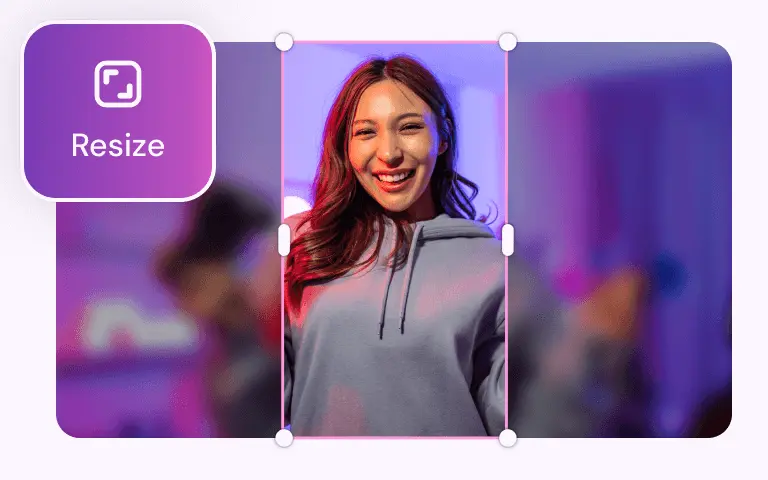
Video Resizer
With Zeemo you can resize the video size with one click, and you can resize any size video to be suitable for posting on social media.
Try now
Youtube Converter
YouTube Converter can download a YouTube video or convert it into a video suitable for posting on social media like TikTok, Twitter, and more.
Try now
TikTok Converter
TikTok Converter adjusts TikTok videos for optimal sharing on YouTube, Twitter, Instagram and more. It also helps in downloading these videos.
Try now
Twitter Converter
Twitter Converter downloads Twitter videos or converts them into videos suitable for posting on YouTube, Instagram and other social media.
Try now
Find More:
Why use Zeemo to add captions to Sora videos?
Improve the quality of Sora videos with Zeemo caption feature
OpenAI has launched Sora, a text-based video macromodel that automatically generates a 60-second video based on simple text input from Sora. Sora can generate a wide range of video types, and Sora-generated videos include multi-camera language and are fully detailed. If you're not told it's an AI-generated video, the realism of the images makes it hard to tell if they were shot by a photographer or generated by AI.
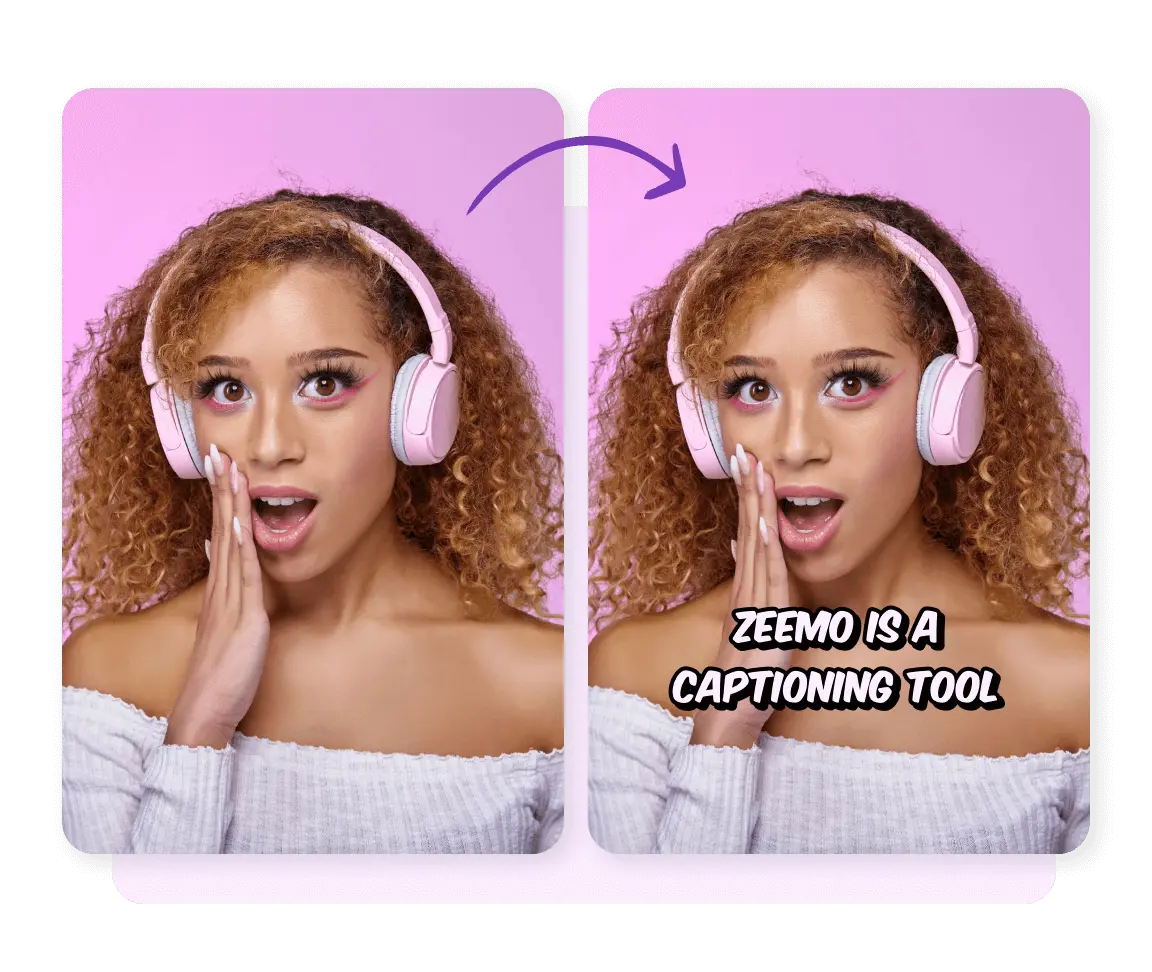
While Sora has a number of advantages that are hard to beat, Sora also has a number of disadvantages and areas where it can be further improved. First of all, Sora can only generate a maximum of 60 seconds of video, can not generate longer videos, so it can only meet the needs of short videos.
Secondly, Sora can only generate silent videos. Short video platforms are very unfriendly to silent videos, so you need to add background music or vocals to the videos generated by Sora.
If you want Sora-generated videos to get more views, you also need to add captions to Sora-generated videos. Enhance the understanding of the video for different audiences Improve the comprehensibility of the video content and enhance the viewing experience for the hearing impaired. Better meet the preferences of young people, and help viewers learn the language.
Use Zeemo to make up for the shortcomings of Sora video
·
Extremely accurate caption recognition: Zeemo use of AI-driven technology and high-quality big data models makes it possible for Zeemo to recognise captions correctly and match them to the video frame so well that no manual modifications are required.
·
Multi-language support and global coverage: Zeemo supports multi-language translation, which basically covers the languages of the world, and you can translate captions into other languages. So that your video can be accepted and loved by viewers all over the world.
·
Auto Caption Alignment: In addition to automatic caption recognition, Zeemo also supports automatic caption alignment. You can upload a caption file and a dubbed Sora video to your workspace, and Zeemo will accurately match the content in the caption file to the video frame.
·
500+ caption templates and styles: Zeemo provides video creators with 500+ caption templates and a variety of dynamic caption effects. A beautiful caption can effectively enhance the viewer's impression of the video. You can also customize the appearance of captions, including font style, colour and position.
Sign up for Free Trial
Add Captions Easily