YouTube
 TikTok
 Reddit
 Instagram
 Twitter
 Facebook
Tools
TikTok Converter
TikTok Converter
The free TikTok Converter can convert TikTok to MP4 and also supports editing the video to make it more suitable for posting on other social media.
How to convert TikTok videos?
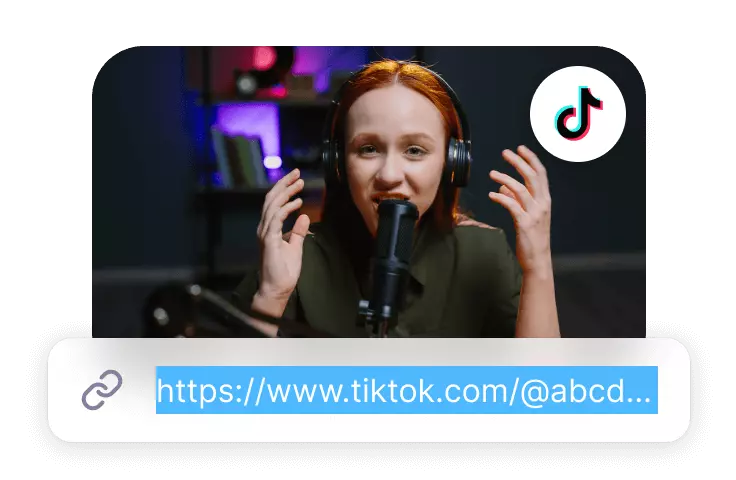
Upload TikTok video link
Paste the TikTok video link, click the Convert button and Zeemo will automatically upload and recognise the TikTok video.
Convert TikTok Video
You can download TikTok videos or convert 9:16 TikTok videos to other ratios, as well as add subtitles to videos, add motion effects to subtitles, and more.
Download TikTok videos
Click the Export button to download the retouched TikTok video or you can download the TikTok video directly.
Features
Converting TikTok videos for more scenarios
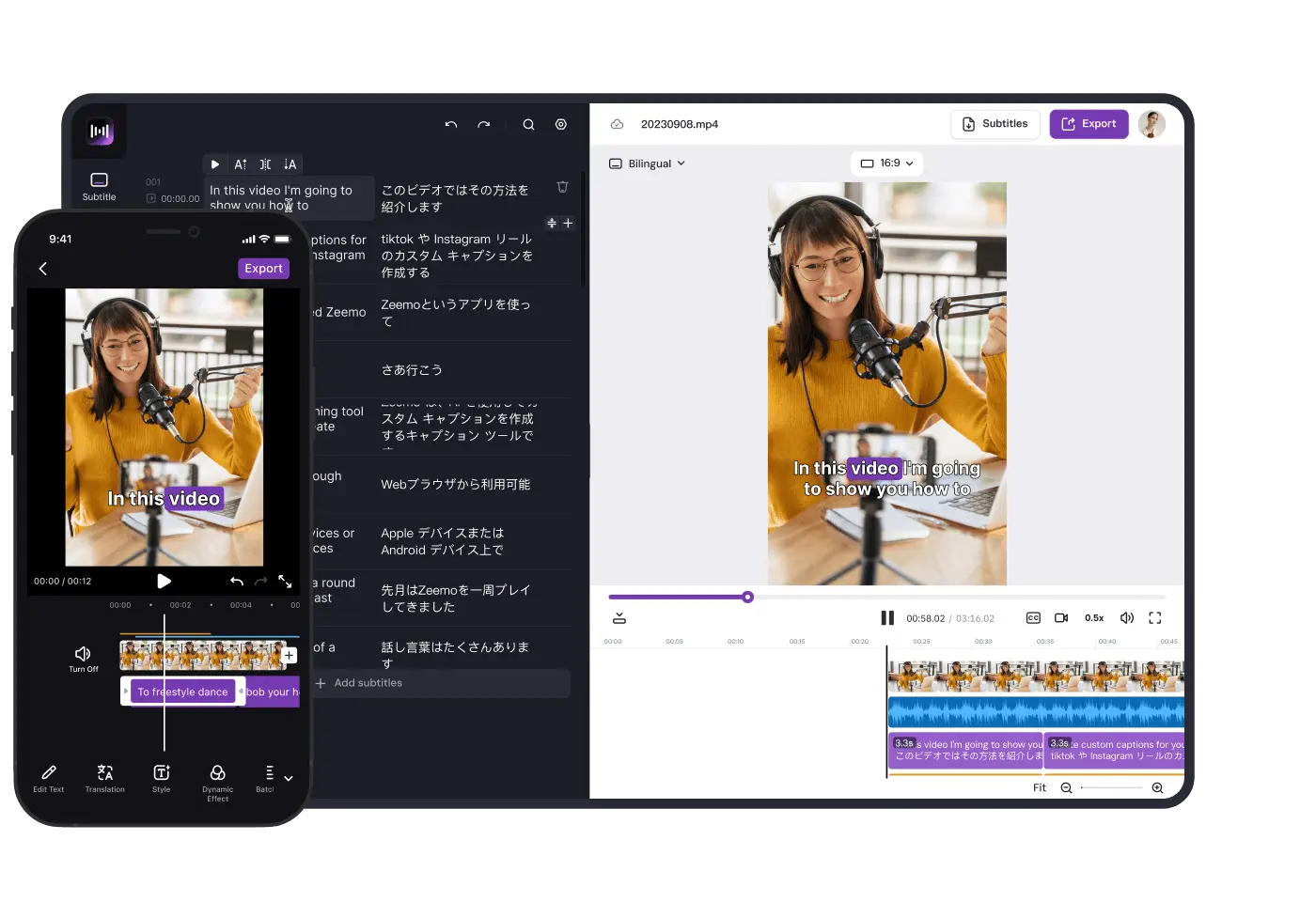
Zeemo TikTok Converter can translate YouTube video content, modify video size, add video subtitles, add subtitle motion effects and more.
Convert TikTok Video Size with one click
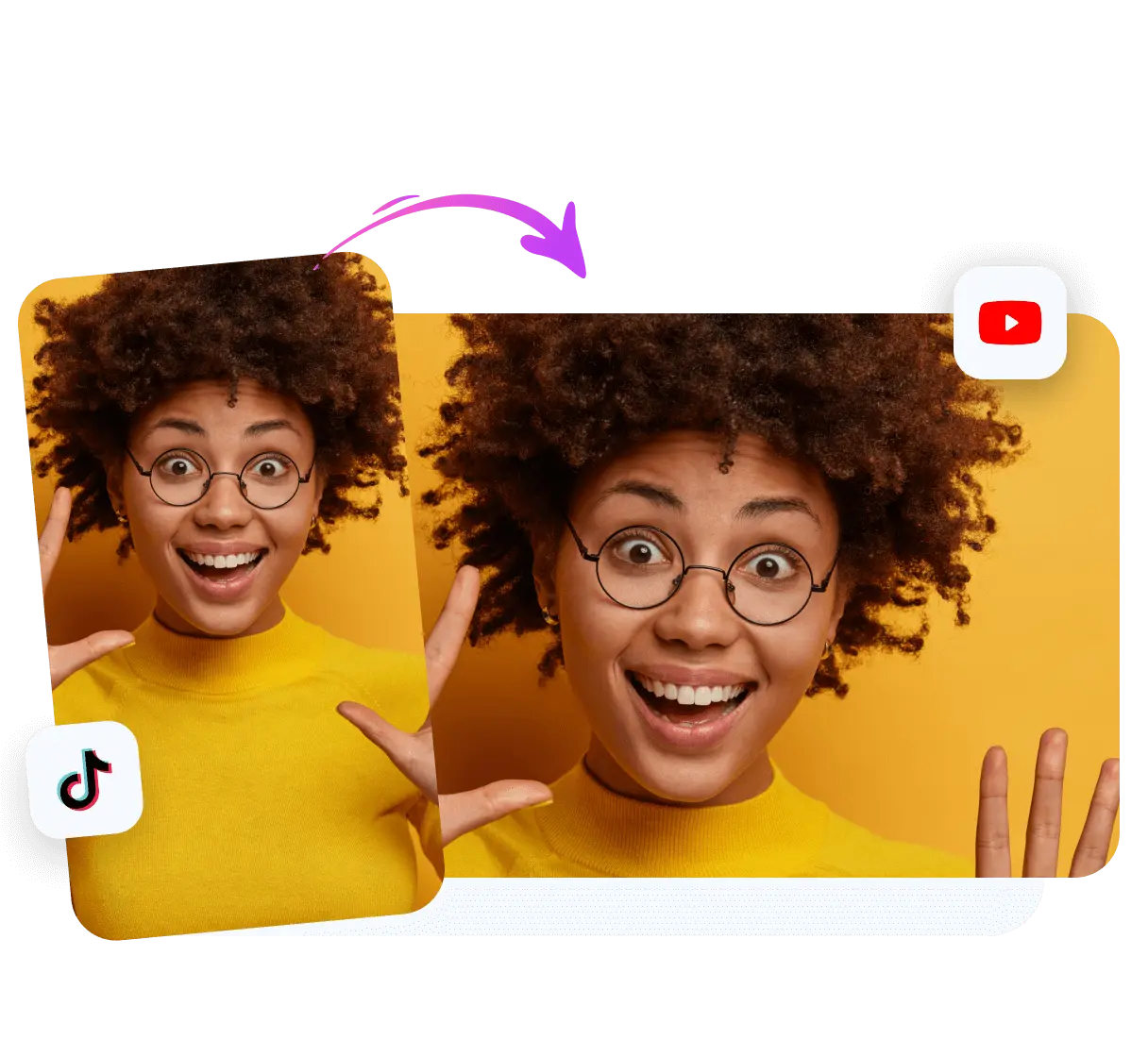
Zeemo's TikTok converter supports converting video size. While TikTok primarily uses a 9:16 video ratio, this format does not always fit well with platforms like YouTube, X, and Instagram. Zeemo accommodates this by supporting conversions to multiple aspect ratios including 16:9, 3:4, 1:1, and 4:3, ensuring your videos can be optimally displayed across different channels.
Convert TikTok videos into 16:9 ratio videos
Convert TikTok videos into 4:3 ratio videos
Convert TikTok videos into 1:1 ratio videos
Convert TikTok videos with subtitles
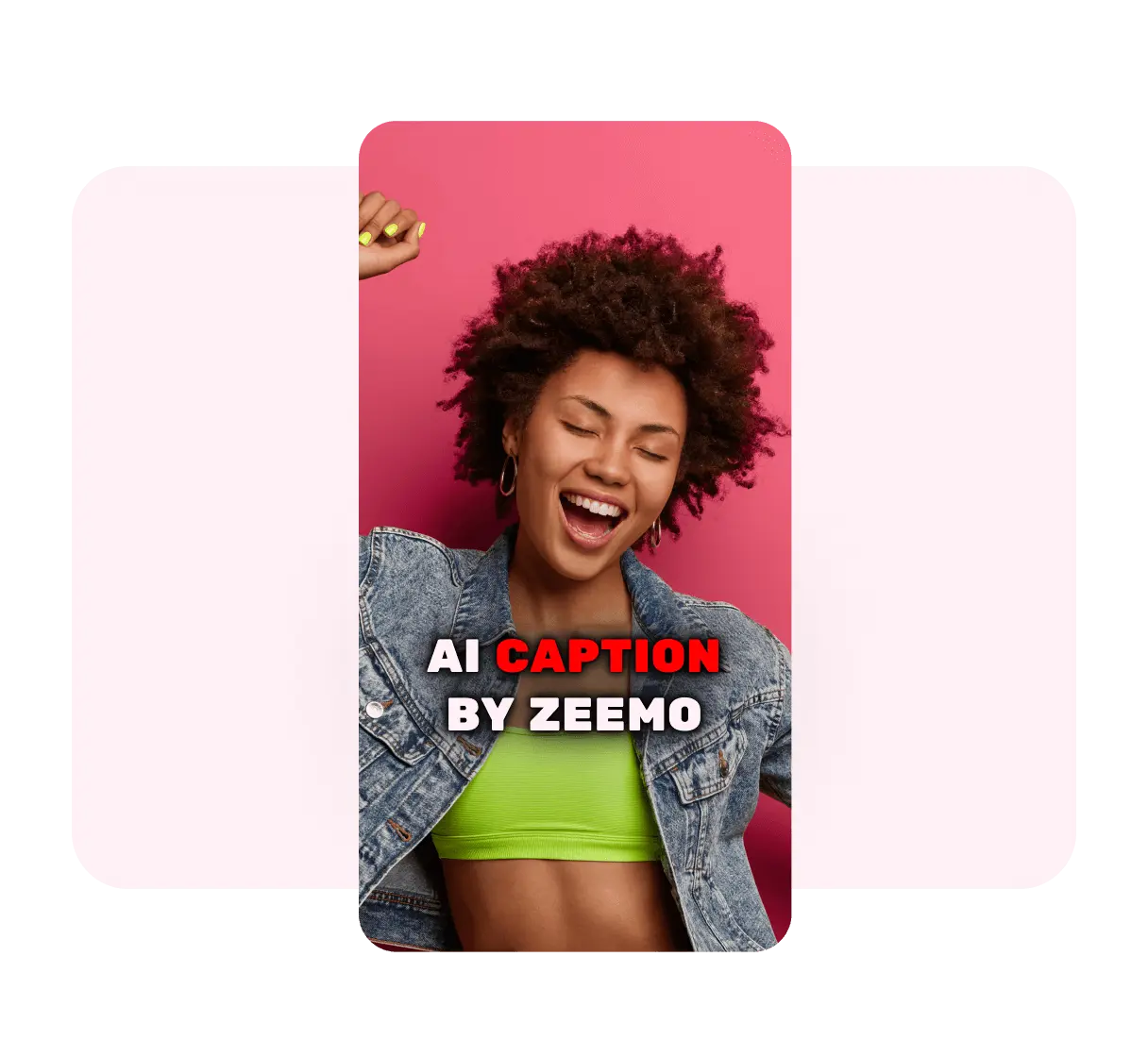
Zeemo features automatic subtitle recognition and translation capabilities. Subtitles are essential as they clarify the video's content regardless of the context. By incorporating subtitles into your videos, you enhance their accessibility, allowing your TikTok videos to reach a broader audience on various social media platforms.
Supports adding subtitles to videos in 95 languages
Supports translation of subtitles into 113 languages
Support manual modification of subtitle content
Convert TikTok videos with dynamic effects
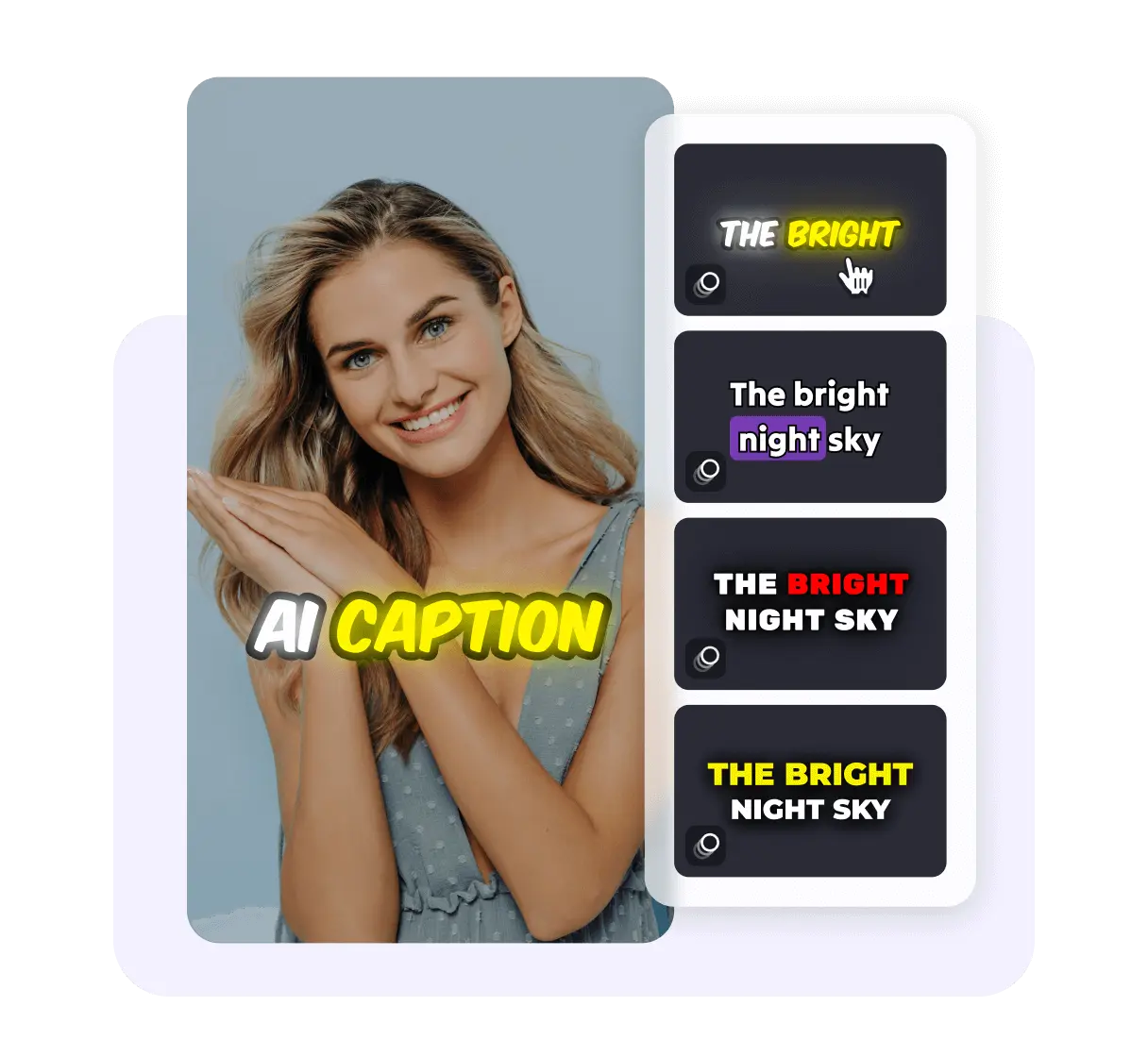
Zeemo's TikTok Converter decorates TikTok videos by adding dynamic subtitles for optimal presentation on other social media platforms. It includes a range of dynamic subtitle effects that are popular among many influencers. These dynamic subtitles give your videos a unique style that makes them more memorable for viewers and enhances their distribution potential.
Adding Unique Dynamic Effects to Subtitles
Use the same dynamic subtitles as influencers
Increase playback time by making the video distinctive
Support
FAQs
Need something cleared up? Here are our most frequently asked questions.
How Zeemo Converts TikTok Videos?
Zeemo YouTube Converter supports converting TikTok videos into videos suitable for distribution on other social media. Zeemo is equipped with multiple features including video size adjustment, subtitle addition, subtitle translation, and dynamic effects for video subtitles. It also facilitates one-click subtitle integration. Additionally, Zeemo supports the downloading of TikTok videos along with their subtitles.
How to use TikTok Converter?
If you need to convert TikTok videos to make them more suitable for distribution on other social media platforms. You can do it in just three steps: 1. Paste the TikTok link, click the Convert button, choose the video language and enter Zeemo editor, Zeemo will automatically recognise and translate the TikTok video subtitles. 2. Click the ‘Original’ button to change the scale of the video; click the ‘Template’ button to add dynamic effects to the subtitles; click the ‘Text ’ button to add titles to the video. 3.After TikTok conversion is finished, you can click ‘Export Video’ button to download the video with subtitles, or click ‘Subtitle File’ button to export the subtitle file separately.
Why you need to convert TikTok to YouTube with Zeemo?
The main distinction between a YouTube video and a TikTok video lies in its length and tempo, with TikTok videos being shorter and more rapid. Thus, converting a YouTube video to TikTok format requires resizing the video and incorporating subtitles to clearly convey the video's content to the viewer.
How to convert TikTok to YouTube videos with zeemo?
If you need to convert TikTok videos to YouTube videos, you can do it in just three steps. 1. Use the TikTok link to upload the video into Zeemo's editor 2. Click ‘Original’ button to convert TikTok video to 16:9 size; click ‘Template’ button to add dynamic effects for subtitles; click ‘Text ‘ button to add titles to the video. 3. Click ‘Export Video’ button to download the video with subtitles, or click ‘Subtitle File’ button to export the subtitle file separately.
How to convert TikTok to Instagram videos using zeemo?
If you need to convert TikTok videos to Instagram videos, you can do it in just three steps. 1. Upload the video to Zeemo editor using the TikTok link, select the original language of the TikTok video and the subtitles to be translated. 2. Click the ‘Original’ button to convert the TikTok video to 1:1 size; click the ‘Template’ button to add dynamic effects to the subtitles to make your video more distinctive; 3. click ‘Export Video’ button to download the video with subtitles, or click ‘Subtitle’ button to export the subtitle file separately.
Tool List
Most useful features for video creators
The following features are among the most frequently used by video content creators and have been well received
Add Subtitles to Video
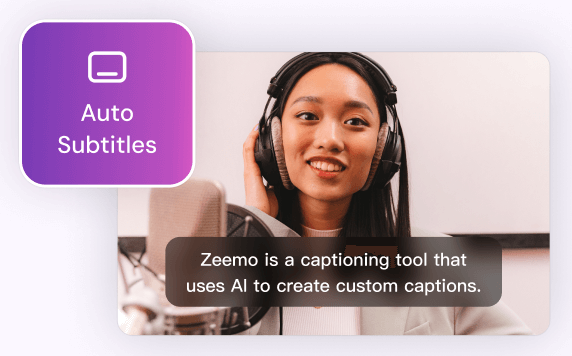
Zeemo provides a user-friendly platform to add subtitles to your videos with ease. You can make your content more inclusive, accessible, and appealing to a broader audience.
Try Now
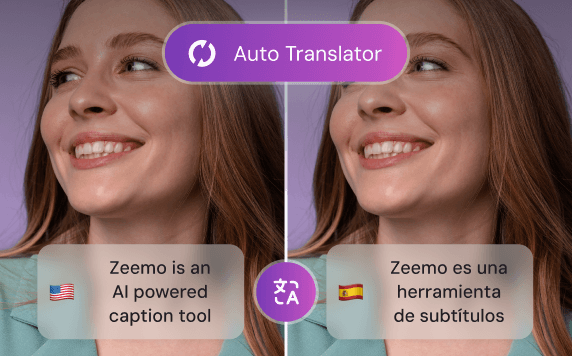
Video Translator
By leveraging Zeemo's video translator to create bilingual subtitles, you can effectively engage with diverse audiences, expand your reach, and enhance the accessibility of your video content.
Try Now
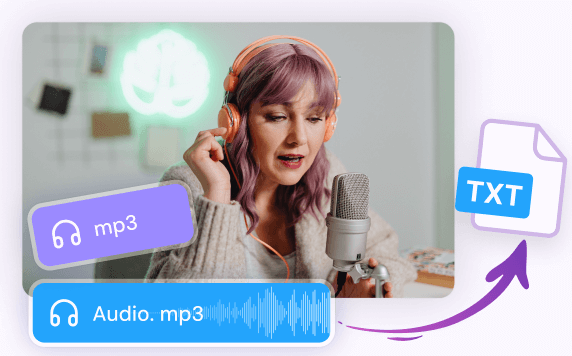
Transcribe Audio to Text
Whether you have recorded interviews, meetings, lectures, podcasts, or any other audio content, Zeemo's advanced technology empowers you to effortlessly transcribe audio to text.
Try Now
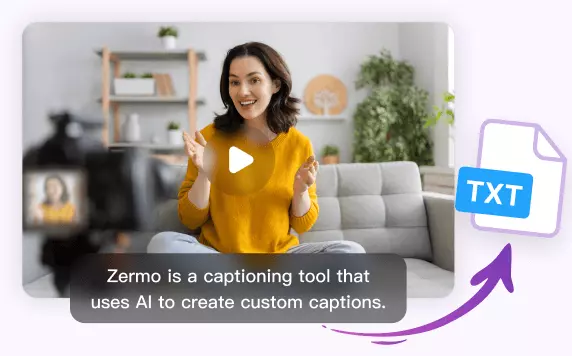
Transcribe Video to Text
Whether you have recorded interviews, webinars, vlogs, or any other video content, Zeemo simplifies the process to transcribe video to text with remarkable accuracy. Upload your videos and try!
Try Now
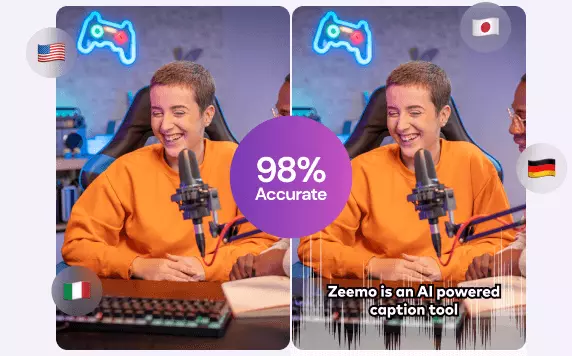
AI Caption Generator
Editing video captions with Zeemo's AI caption generator is a breeze. Refine your captions and make your video content shine.
Try Now
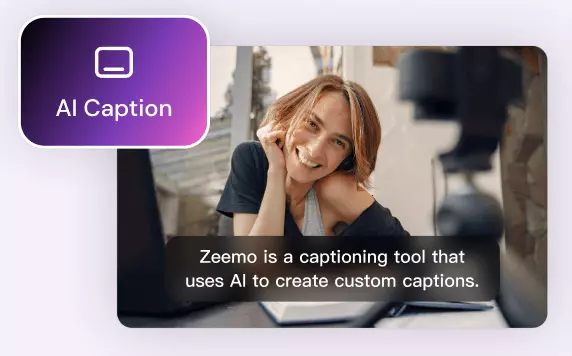
AI Caption Extractor
Using Zeemo's AI caption extractor to extract subtitles and captions, saving significant time and effort. Try free now! Say goodbye to manual transcription!
Try now
YouTube Video Downloader
Zeemo provides a user-friendly platform that makes it easy for you to download YouTube videos online. It helps you to watch YouTube videos even when you are offline.
Try now
TikTok Video Downloader
Zeemo offers a convenient and easy-to-use online platform for downloading TikTok videos, enabling you to enjoy TikTok content even when you're offline.
Try now
X Video Downloader
Zeemo provides a free, user-friendly online platform for downloading X videos, facilitating better secondary creation and distribution of your favourite X videos.
Try now
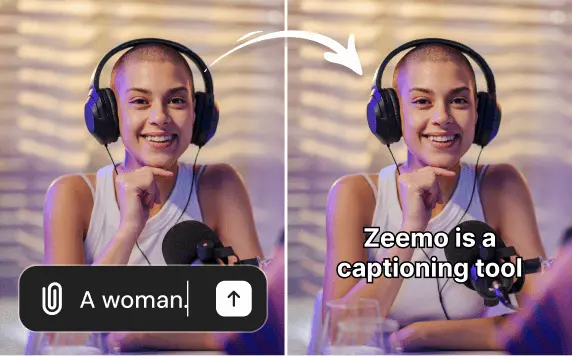
Add caption to Sora video
Use Zeemo's to add captions to Sora-generated videos, translating the captions into other languages to make the video more complete and more conducive to spreading it across social media.
Try now
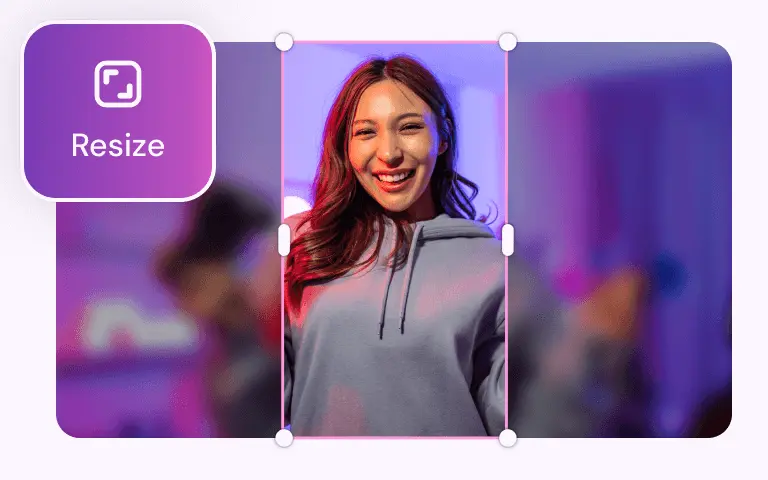
Video Resizer
With Zeemo you can resize the video size with one click, and you can resize any size video to be suitable for posting on social media.
Try now
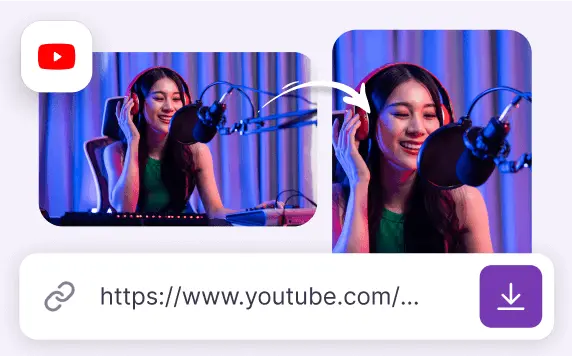
Youtube Converter
YouTube Converter can download a YouTube video or convert it into a video suitable for posting on social media like TikTok, Twitter, and more.
Try now
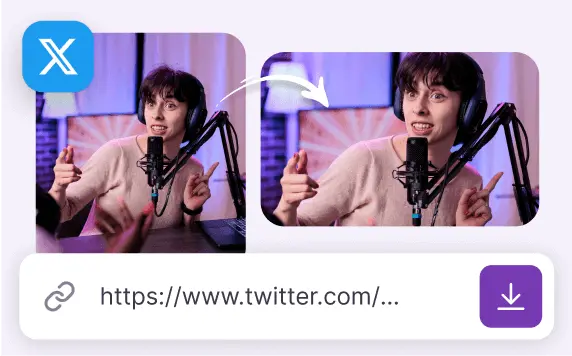
Twitter Converter
Twitter Converter downloads Twitter videos or converts them into videos suitable for posting on YouTube, Instagram and other social media.
Try now
Find More:
Why Use Zeemo to Convert TikTok Videos
Increase video usage and reduce the difficulty of video production
In an era where social media is saturated with content, producing a high-quality video can significantly increase revenue for video bloggers. A critical aspect of a successful video is avoiding uniformity in both content and presentation. Zeemo offers unique features that can make your videos more distinctive and stand out on social media platforms.
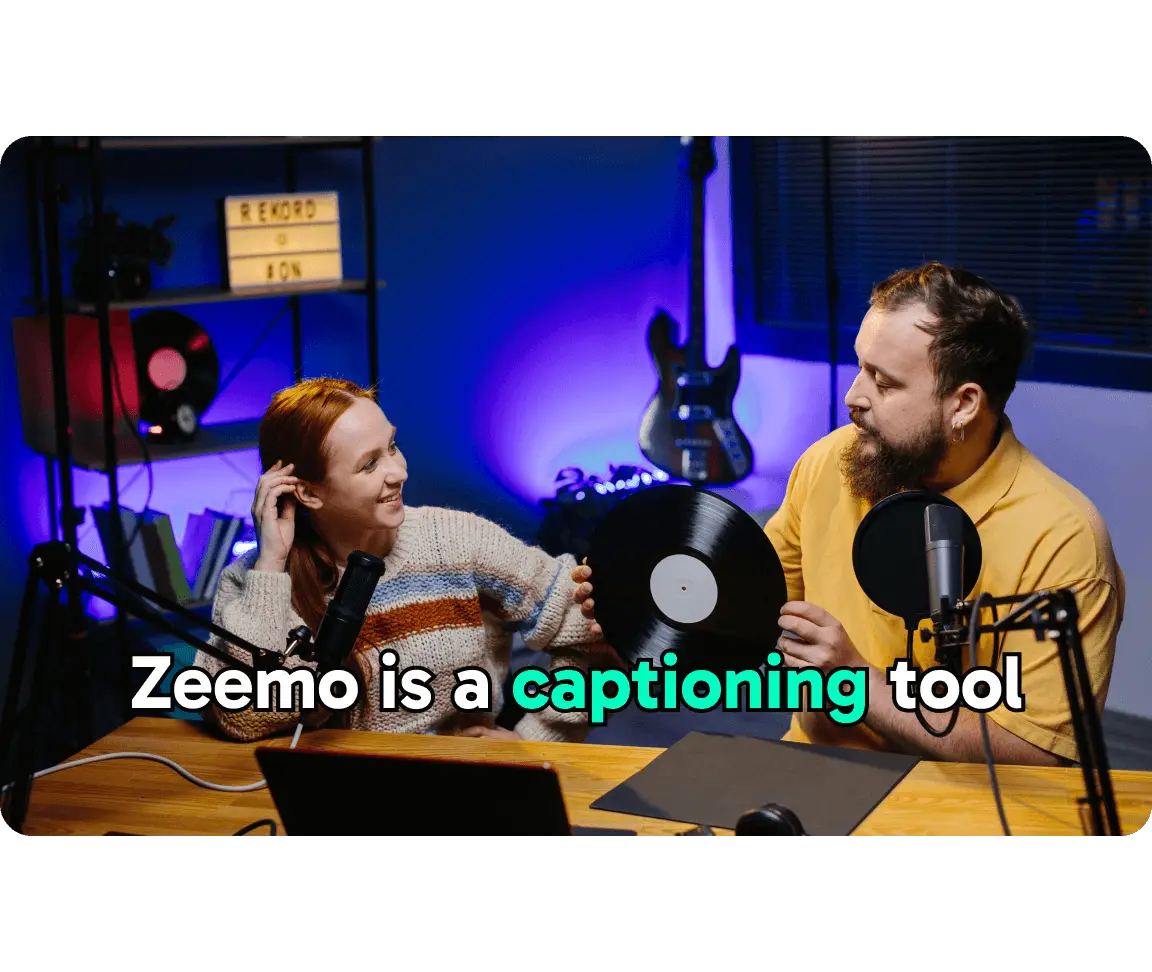
Traditional video production tools often require significant effort for tasks like adding and translating subtitles, applying dynamic effects to subtitles, and resizing videos. These tasks can drain a video creator's resources and are typically not feasible with standard editing software.
Zeemo, equipped with advanced AI capabilities, streamlines these processes by offering integrated tools for subtitle recognition and translation, dynamic subtitle effects, video resizing, and title addition. This enhances the productivity of video creators.
Additionally, Zeemo leverages sophisticated AI technology to enhance your videos' compatibility with the recommendation algorithms of social media platforms, thereby boosting the quality of your video content.
Zeemo's AI Caption Generator: A Game Changer
·
Rapid Subtitle Creation: Zeemo's AI Subtitle Generator significantly shortens the time needed to produce subtitles for videos. This efficiency is a game-changer for content creators looking to release high-quality videos swiftly.
·
Unrivaled Precision: Zeemo's advanced technology delivers outstanding accuracy in subtitle recognition, adeptly managing various accents, languages, and challenging auditory scenarios to provide dependable and precise subtitles.
·
Worldwide Audience Engagement: Zeemo addresses the needs of a global market with multilingual support for subtitles, simplifying the translation process and broadening the reach of video content internationally.
·
Subtitles Customization Options: Zeemo enables creators to customize subtitles by selecting different fonts, colors, and placements, ensuring consistency with brand identity and improving the visual appeal of videos.
Sign up for Free Trial
Convert TikTok videos online for free